If you are still manually following up with every lead, moving contacts between pipeline stages by hand, and sending one-off emails to nurture prospects, you are leaving money on the table.
The entire point of using a CRM is to remove yourself from the repetitive tasks that eat up your day. And when it comes to automation, GoHighLevel is in a league of its own.
GHL workflows let you build multi-step automations that trigger based on real actions your leads take. A form submission, a missed call, a pipeline stage change, an invoice payment. You name the event, and GoHighLevel can respond to it instantly, without you lifting a finger.
This guide walks you through everything you need to know about GoHighLevel automations: what they are, how the workflow builder works, the most profitable workflows you should build first, and how to structure your automation stack so deals close while you sleep.
What Are GoHighLevel Workflows?
Workflows are the automation engine inside GoHighLevel. Think of them as "if this, then that" sequences on steroids. Every workflow starts with a trigger (something that happens) and chains together a series of actions (things GHL does in response).
Unlike basic email autoresponders, GHL workflows can span multiple channels. A single workflow might send an SMS, wait two hours, send an email, check whether the contact replied, branch into different paths based on the response, update a pipeline stage, and notify your sales team on Slack. All from one automation.
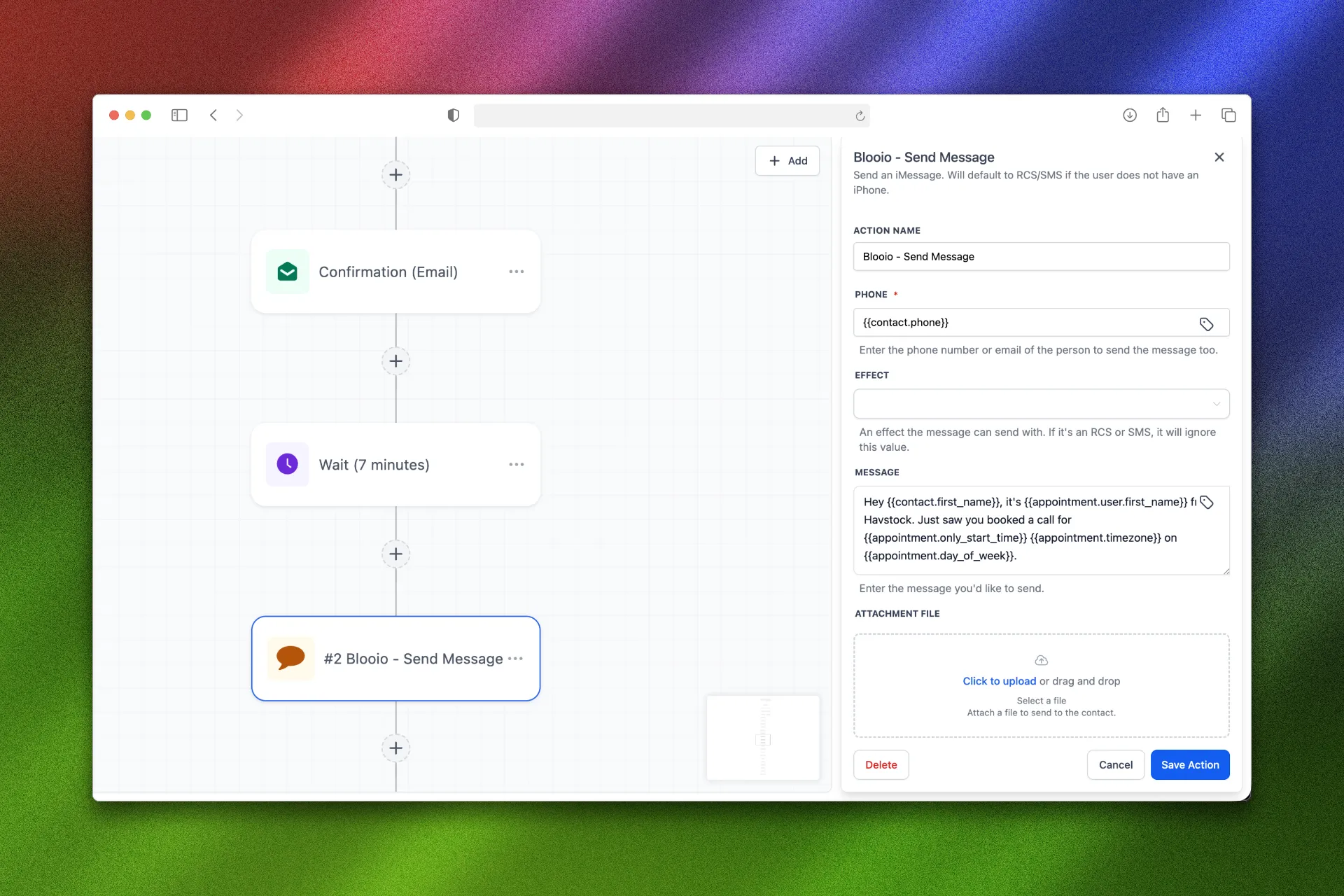
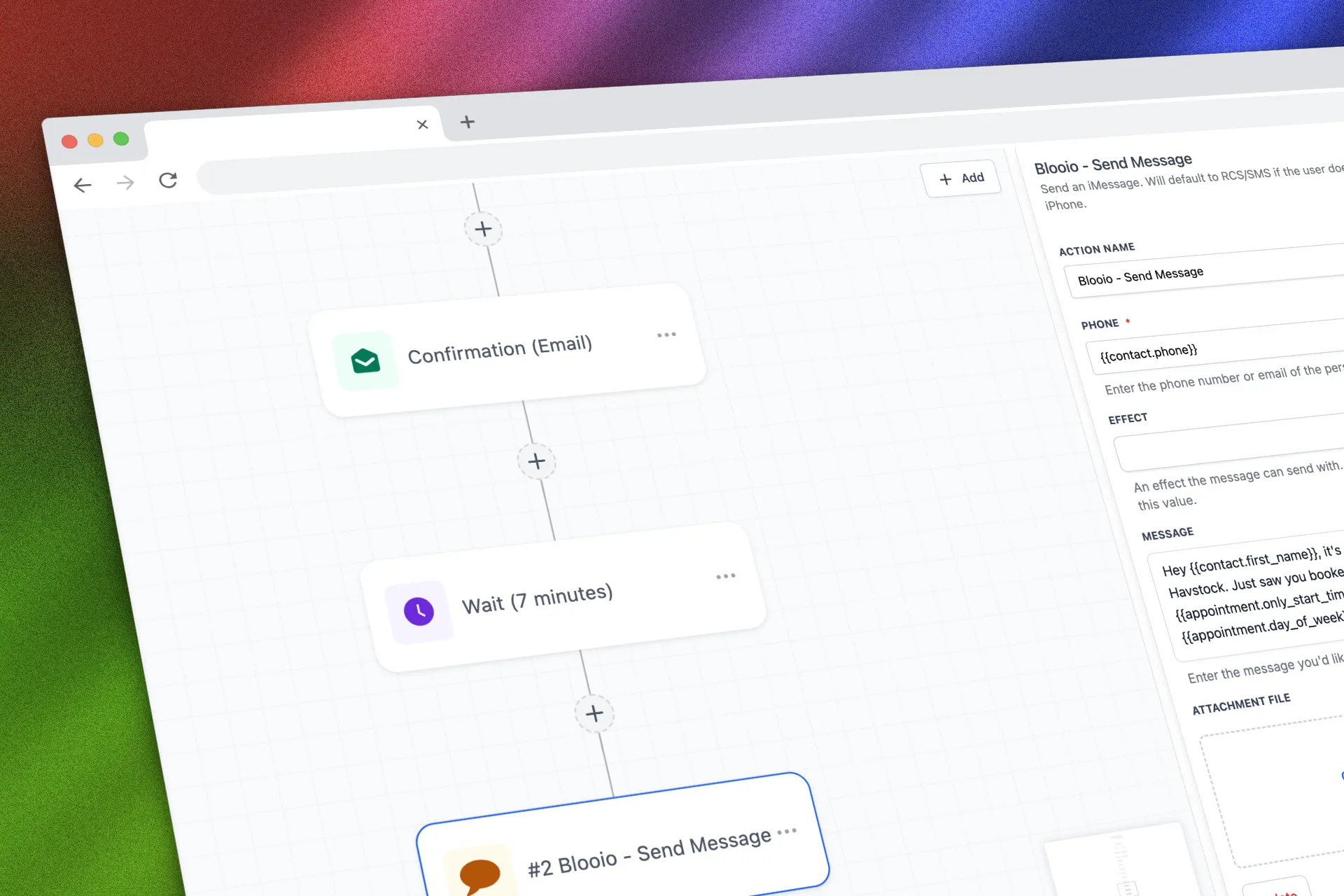
The visual builder uses a drag-and-drop interface. You do not need to write code. You connect triggers to actions, set conditions and wait steps, and let the system run.
“A single well-built workflow can replace an entire sales assistant, following up with every lead at the right time, through the right channel, with the right message.”
The Anatomy of a GHL Workflow
Every workflow has three core components:
Triggers
Triggers are the starting events. GoHighLevel offers dozens of trigger types:
Contact triggers: Form submitted, survey completed, tag added, contact created, birthday
Pipeline triggers: Opportunity stage changed, opportunity created, stale opportunity
Payment triggers: Invoice paid, subscription created, order form submitted
Communication triggers: Email opened, SMS replied, call status changed, Facebook message received
Calendar triggers: Appointment booked, appointment cancelled, appointment no-show
Custom triggers: Webhook inbound, manual trigger, custom date field
You can stack multiple triggers on the same workflow. For example, you might want the same nurture sequence to fire whether someone fills out a form or books a call.
Actions
Actions are what the workflow does after it triggers. The most commonly used actions include:
Send Email
Send SMS
Send Voicemail Drop
Add/Remove Tag
Move Pipeline Stage
Create/Update Opportunity
Internal Notification
Wait (time delay or conditional wait)
If/Else Branch
Webhook (send data to external tools)
Add to Workflow / Remove from Workflow
Assign User
Update Contact Field
Conditions and Branches
The If/Else action is where workflows get powerful. You can branch logic based on contact fields, tags, pipeline stages, custom values, or whether a previous action succeeded. This means one workflow can handle multiple scenarios without you building separate automations for each.
“The best automations do not feel like automations. They feel like a real person who happens to follow up at exactly the right moment.”
7 Workflows That Close Deals on Autopilot
Here are the highest-impact workflows every coach, consultant, and service provider should build inside GoHighLevel.
1. Speed-to-Lead Response
When a new lead comes in, the clock starts ticking. Research shows that responding within five minutes makes you 21 times more likely to qualify that lead compared to waiting 30 minutes. This workflow ensures instant contact.
Trigger: Form Submitted or Contact Created
Actions:
Send SMS: "Hey [first name], thanks for reaching out. I just saw your request come through. Quick question: what's the biggest challenge you're facing with [topic] right now?"
Wait 2 minutes
Send Voicemail Drop: Pre-recorded message introducing yourself
Wait 5 minutes
If/Else: Did contact reply?
Yes: Notify sales team, add "Hot Lead" tag
No: Send follow-up email with case study or value piece
Add to pipeline: "New Lead" stage
This single workflow replaces the need to manually check for new leads and respond individually.
2. Appointment Booking Nurture
Getting someone to book a call is only half the battle. The other half is making sure they actually show up. No-show rates for discovery calls can run as high as 30-40% without proper nurture.
Trigger: Appointment Booked (Calendar)
Actions:
Send confirmation email with calendar link, agenda, and what to prepare
Add tag: "Call Booked"
Move to pipeline stage: "Call Scheduled"
Wait until 24 hours before appointment
Send reminder SMS: "Looking forward to our call tomorrow at [time]. Here's a quick 2-min video on what we'll cover: [link]"
Wait until 1 hour before appointment
Send reminder SMS: "See you in an hour! Here's your Zoom link: [link]"
Wait until 15 minutes after appointment time
If/Else: Was appointment marked as "showed"?
Yes: Move to "Discovery Complete" stage
No: Send "Sorry we missed you" SMS with rebooking link
3. Pipeline Stage Automation
Your pipeline should not just be a visual tracker. It should drive action. When a deal moves to a new stage, things should happen automatically.
Trigger: Pipeline Stage Changed
Actions (example for "Proposal Sent" stage):
Send email with proposal link
Wait 24 hours
If/Else: Did contact open email?
No: Resend with different subject line
Yes: Wait 48 hours, then send follow-up SMS: "Did you get a chance to review the proposal? Happy to jump on a quick call if you have questions."
Wait 5 days
If still in "Proposal Sent" stage: Send urgency email with deadline or bonus
Internal notification to sales rep: "Proposal has been sitting for 5 days, manual follow-up recommended"
“Your pipeline should work for you, not just display information. Every stage change should trigger the next logical step in your sales process.”
4. No-Show Recovery
When someone misses a booked call, most businesses send one follow-up and give up. That is a mistake. A proper no-show recovery workflow can recapture 20-30% of missed appointments.
Trigger: Appointment Status = No Show
Actions:
Wait 10 minutes
Send SMS: "Hey [first name], I had you on my calendar but it looks like we missed each other. No worries at all. Want to reschedule? Here's my link: [booking link]"
Wait 24 hours
If/Else: Did they rebook?
Yes: Move back to "Call Scheduled" stage
No: Send email with social proof (testimonial + results) and rebooking CTA
Wait 3 days
Final SMS: "Last check-in. I saved a spot for you this week if you still want to chat about [pain point]. Grab a time here: [link]"
If still no response after 7 days: Remove from active pipeline, add "No-Show Cold" tag for future re-engagement
5. Post-Sale Onboarding
The sale is not the finish line. It is the starting line. A structured onboarding workflow reduces refund requests, increases client satisfaction, and opens the door for upsells.
Trigger: Invoice Paid or Opportunity Moved to "Closed Won"
Actions:
Send welcome email with onboarding steps, login credentials, and first action item
Add tag: "Active Client"
Remove from all prospecting workflows
Wait 24 hours
Send SMS: "Hey [first name], welcome aboard! Did you get a chance to [first action item]? Let me know if you need help."
Wait 3 days
Send email: Week 1 check-in with progress checklist
Wait 7 days
Internal notification: "Client [name] is 1 week in. Schedule check-in call."
6. Stale Lead Re-Engagement
Leads go cold. It happens. But "cold" does not mean "dead." A re-engagement workflow can bring old leads back to life without you manually combing through your contact list.
Trigger: Custom Date Field ("Last Activity" > 30 days ago) or Manual Trigger on filtered list
Actions:
Send email: "Hey [first name], I noticed we connected a while back about [original interest]. Things have changed since then, and I wanted to share something new: [value piece or case study]"
Wait 3 days
Send SMS: Short, casual check-in
Wait 5 days
If/Else: Any engagement (email open, SMS reply, link click)?
Yes: Add "Re-Engaged" tag, move to active pipeline, notify sales team
No: Add "Inactive" tag, remove from workflow
7. Review and Referral Request
Happy clients are your best marketing channel. But most businesses never ask for reviews or referrals in a systematic way. Automate it.
Trigger: Opportunity moved to "Completed" or custom date (30 days post-purchase)
Actions:
Send email: "You've been working with us for a month now, and I'd love to hear how things are going. Would you mind leaving a quick review? [Google Review link]"
Wait 2 days
If/Else: Did they click the review link?
Yes: Wait 5 days, then send referral request email with incentive
No: Send SMS with direct review link
Wait 14 days
Send referral email: "Know anyone else who could use [your service]? I'd love to help them out. Here's a referral link: [link]"
“Automation is not about removing the human touch. It is about making sure the human touch happens every single time, without relying on memory or motivation.”
Best Practices for Building GHL Workflows
Start with Your Highest-Impact Process
Do not try to automate everything at once. Pick the one workflow that would save you the most time or generate the most revenue if it ran automatically. For most businesses, that is the speed-to-lead response or the appointment nurture sequence.
Use Tags Religiously
Tags are how you keep your automations clean and prevent contacts from getting stuck in multiple conflicting workflows. Before adding someone to a workflow, check for existing tags. When they complete a workflow, tag them accordingly.
Test Before You Launch
GoHighLevel has a test mode for workflows. Use it. Send yourself through the entire workflow to verify timing, content, and branching logic. One misplaced condition can send the wrong message to hundreds of contacts.
Keep Wait Steps Reasonable
Aggressive follow-up is good. Harassment is not. Space your messages appropriately. A good rule of thumb: SMS can be more frequent (every 1-2 days for urgent follow-ups), while email sequences should breathe more (every 2-5 days).
Name Your Workflows Clearly
As your automation library grows, naming conventions matter. Use a format like: "[Purpose] - [Trigger] - [Version]" so you can find and manage workflows easily. For example: "Speed-to-Lead - Form Submit - v2" or "No-Show Recovery - Calendar - v1."
“The difference between a CRM that collects dust and one that prints money is the quality of the workflows running inside it.”
How GoHighLevel Workflows Compare to Other Tools
If you have used Zapier, ActiveCampaign, or HubSpot workflows before, here is why GHL's approach is different:
Everything lives in one platform. With other tools, you need Zapier to connect your form builder to your email tool to your SMS provider to your calendar. Each connection point is a potential failure. In GoHighLevel, the form, the email, the SMS, the calendar, the pipeline, and the workflow all live under one roof. That means faster execution, fewer errors, and zero monthly fees for third-party connectors.
Unlimited workflows on every plan. Most CRMs gate their automation features behind expensive tiers. GoHighLevel gives you unlimited workflows, unlimited contacts, and unlimited automation steps regardless of your plan level.
Multi-channel by default. GHL workflows natively support email, SMS, voicemail drops, Facebook Messenger, Instagram DMs, Google Business Chat, and WhatsApp. You do not need separate tools for each channel.
Getting Started: Your First Workflow in 15 Minutes
If you have never built a GHL workflow before, start here:
Navigate to Automation > Workflows in your GHL dashboard
Click Create Workflow and choose "Start from Scratch"
Add a trigger: Select "Form Submitted" and choose your lead capture form
Add your first action: "Send SMS" with a personalized welcome message
Add a Wait step: Set it to 5 minutes
Add a second action: "Send Email" with a value piece or case study
Add an If/Else branch: Check if the contact replied to the SMS
For "Yes" branch: Add "Internal Notification" to alert your team
For "No" branch: Add another follow-up SMS after 24 hours
Toggle the workflow to Published and test it with a form submission
That is it. You have just built a speed-to-lead workflow that will follow up with every new lead faster than any human could.
If you want to skip the setup entirely and launch with a proven funnel system that includes pre-built automations, the High Ticket OS gives you a complete discovery call funnel with all the workflows, pages, and sequences ready to go. Just plug in your details and turn it on.
FAQ
What are GoHighLevel workflows?
GoHighLevel workflows are visual automation sequences that trigger based on contact actions (form submissions, appointment bookings, pipeline changes) and execute multi-step responses across email, SMS, voicemail, and more. They replace the need for separate automation tools like Zapier or ActiveCampaign.
How many workflows can I create in GoHighLevel?
There is no limit. GoHighLevel allows unlimited workflows with unlimited automation steps on every plan. You will not hit a paywall when your automation needs grow.
What is the difference between workflows and campaigns in GoHighLevel?
Campaigns were the older automation system in GHL (now called "legacy campaigns"). Workflows replaced them with a more powerful visual builder, better branching logic, and more trigger types. If you are starting fresh, use workflows exclusively.
Can GoHighLevel workflows send SMS and email in the same sequence?
Yes. One of GHL's biggest advantages is multi-channel automation. A single workflow can send emails, SMS messages, voicemail drops, Facebook messages, and internal notifications all in the same sequence.
Do I need coding skills to build GHL workflows?
No. The workflow builder is entirely visual. You drag and drop triggers, actions, and conditions onto a canvas. No code required. If you want advanced functionality, you can use webhooks to connect external tools, but it is optional.
What are the best GoHighLevel workflows for coaches and consultants?
The highest-impact workflows for service providers are: speed-to-lead response, appointment booking nurture, no-show recovery, pipeline stage automation, and post-sale onboarding. These five workflows cover the entire client journey from lead capture to retention.
How do I test a GoHighLevel workflow before launching it?
Use GHL's built-in test mode. You can also add yourself as a test contact, trigger the workflow manually, and walk through each step to verify timing, content, and branching logic before activating it for real leads.
Can I use GoHighLevel workflows with my existing tools?
Yes. GHL workflows support webhook actions that can send data to (or receive data from) any external tool with an API. You can integrate with Stripe, Slack, Google Sheets, and hundreds of other platforms without leaving the workflow builder.
Start Closing Deals on Autopilot
The workflows outlined in this guide are not theoretical. They are the exact automation patterns that coaches, consultants, and agency owners use every day to follow up faster, reduce no-shows, and close more deals without adding headcount.
The difference between a business that scales and one that plateaus often comes down to systems. GoHighLevel gives you the automation engine. The workflows above give you the blueprint.
Ready to launch a complete sales system with pre-built workflows, funnel pages, and nurture sequences already wired up? Grab the High Ticket OS and have your entire automation stack live today.