How to Build a Discovery Call Funnel in GoHighLevel (Step-by-Step)
If you sell coaching, consulting, or any high-ticket service, your discovery call funnel is the single most important asset in your business. It is the bridge between a stranger clicking your ad and a qualified prospect sitting across from you on a call, ready to buy.
The problem? Most people overcomplicate this. They build 12-page funnels with upsells, downsells, and tripwires when all they really need is a clean, focused system that does one thing well: gets the right people to book a call.
In this guide, you will learn exactly how to build a discovery call funnel in GoHighLevel from scratch. No fluff, no filler. Just the pages you need, the automations that make it run on autopilot, and the strategy behind each step.
What Is a Discovery Call Funnel?
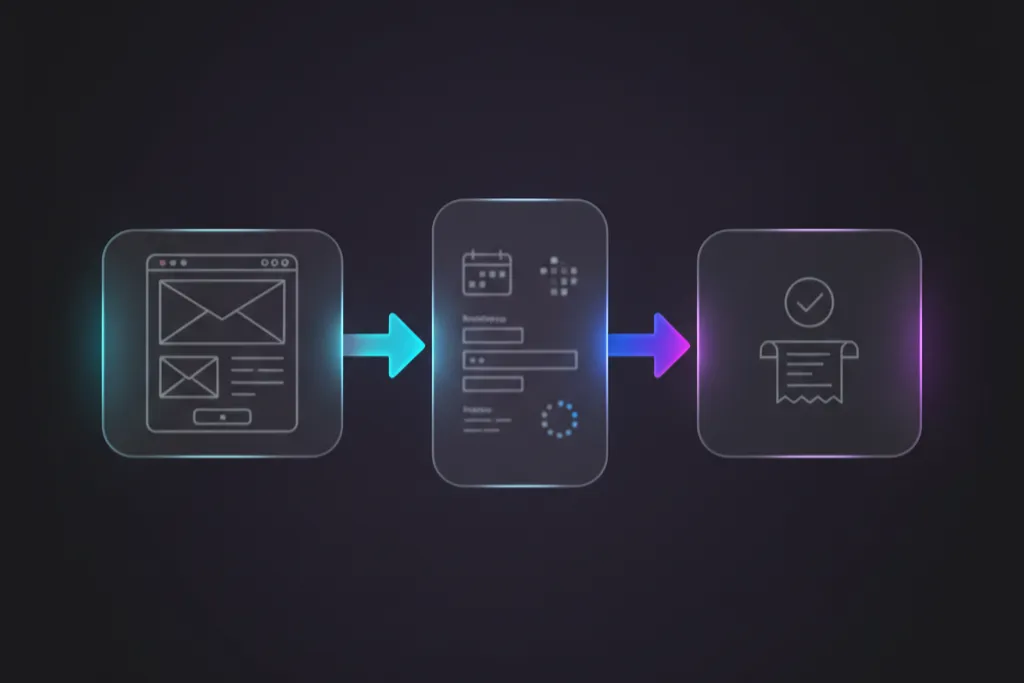
A discovery call funnel is a simple, focused set of pages designed to qualify leads and get them to schedule a call with you. Unlike a product funnel that sells something directly, this funnel sells the conversation.
Here is the typical structure:
Landing page with a clear headline, short description of who this call is for, and a CTA button
Application or booking page where the prospect fills out qualifying questions and picks a time slot
Confirmation page that sets expectations for the call and tells them what to prepare
That is it. Three pages. The magic is not in adding more. It is in making each page do its job extremely well.
“Your funnel does not sell your service. It sells the conversation.”
Why GoHighLevel Is Ideal for Discovery Call Funnels
There are dozens of funnel builders out there, but GoHighLevel stands out for one reason: everything lives under one roof. Your funnel pages, your CRM, your calendar booking, your email and SMS automations, and your pipeline tracking all sit inside one platform.
That means when a lead fills out your application form, their information flows directly into your CRM. The booking confirmation triggers an automated SMS and email sequence. The lead moves through your pipeline stages. And you can see exactly where every prospect sits at any given moment.
No Zapier. No duct-taping three different tools together. No monthly bills stacking up from five different SaaS subscriptions.
“When your funnel, CRM, and automations live in the same place, nothing falls through the cracks.”
Step 1: Plan Your Funnel Structure Before You Build
Before you touch the funnel builder, get clear on three things.
First, who is this call for? Write a single sentence describing your ideal prospect. “Marketing agency owners doing $10K-$50K per month who want to scale without hiring more staff.” The more specific, the better your funnel will convert.
Second, what happens on the call? Is it a 15-minute triage call or a 45-minute deep-dive strategy session? This determines how much qualifying you need to do upfront.
Third, what do you need to know before the call? This becomes your application form. If you ask the right questions, you will know within 30 seconds of starting the call whether this person is a fit.
Step 2: Create a New Funnel in GoHighLevel
Log into your GoHighLevel account and navigate to Sites > Funnels > Create New Funnel. Name it something like “Discovery Call Funnel.”
You have two options here:
Start from scratch using the blank funnel template and building each page with the drag-and-drop editor
Use a pre-built template that already has the structure, design, and copy frameworks in place so you can customize instead of creating from zero
If you are building from scratch, you will add three funnel steps: Landing Page, Application/Booking Page, and Confirmation Page.
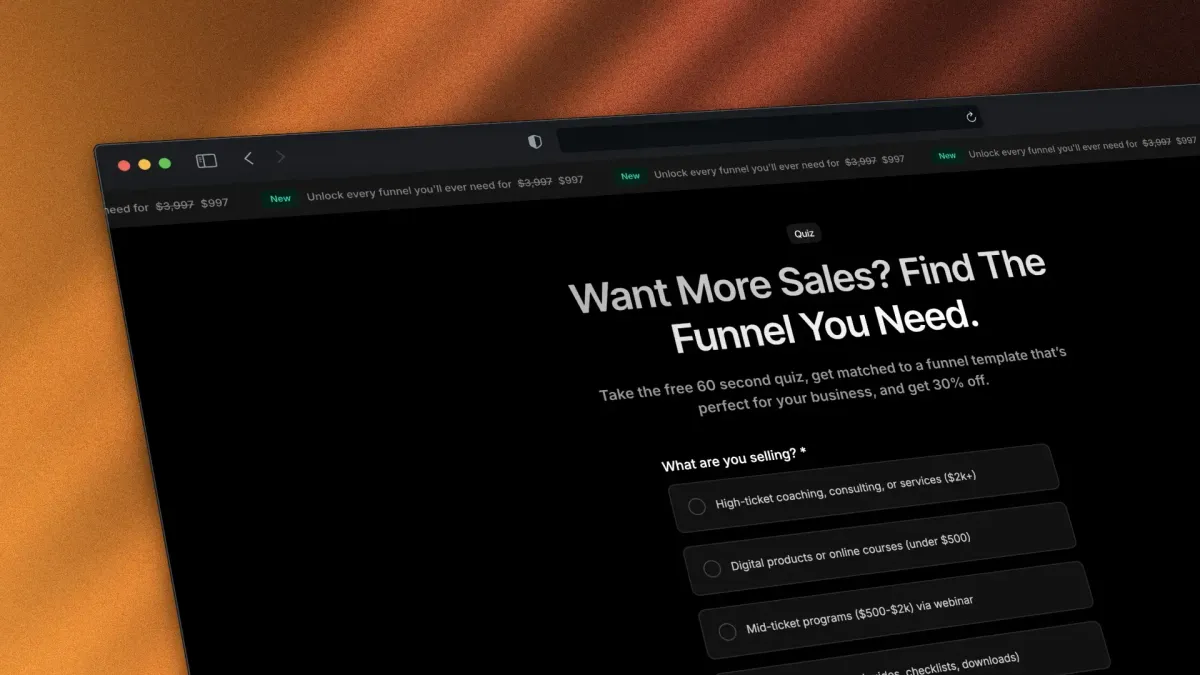
If you want to skip the blank canvas and start with a proven structure, Havstock’s High Ticket OS template comes with a complete discovery call funnel already built, including the landing page, application page, booking integration, and confirmation page. You just swap in your copy and brand.
Step 3: Build Your Landing Page (Above the Fold)
Your landing page has one job: convince the right person to click the button. That is it.
Here is what your above-the-fold section needs:
A headline that speaks directly to your ideal client’s biggest pain point
A subheadline that introduces the solution (your offer, framed as a call)
A CTA button that says something like “Apply for a Free Strategy Call” or “Book Your Discovery Call”
A social proof bar showing logos, “As seen in” badges, or a quick stat like “500+ clients served”
Below the fold, add:
Three to four bullet points explaining what happens on the call
A short video (two to three minutes) where you introduce yourself and explain who this call is for
Testimonials from past clients who got results after their discovery call
A second CTA button repeating the call to action
Keep the design clean. White space is your friend. Every element should push toward one action: clicking that button.
“Every element on your landing page should push toward one action. If it does not, remove it.”
Step 4: Build Your Application and Booking Page
This is where the qualifying happens. Your application page should include a short form with questions that help you understand:
What their business does and their current revenue
What specific problem they need help with
What they have already tried
Their timeline and budget range
In GoHighLevel, you will build this using the Form Builder or a Survey element. Forms work well for shorter applications (four to six fields). Surveys work better for longer qualification sequences where you want to show one question at a time.
After the form, embed your GoHighLevel calendar directly on the same page or redirect to a dedicated booking page. The calendar integration is built-in, so the prospect selects an available time slot and their booking syncs automatically with your Google Calendar or Outlook.
Set your calendar availability carefully. Only show slots during your peak energy hours. If you do your best work in the morning, block out afternoons.
Step 5: Build Your Confirmation Page
Most people treat the confirmation page as an afterthought. That is a mistake. The confirmation page is your chance to reduce no-shows and set the tone for the call.
Include these elements:
A clear confirmation message: “You are booked. Here are the details.”
The date, time, and meeting link (or a note that it will arrive via email)
A short “What to prepare” section. Tell them to think about their goals, their current challenges, and what success looks like. This primes them to show up ready to talk, not browse their phone
A brief video from you (optional but powerful) saying something like: “Looking forward to speaking with you. Here is what we will cover on the call.”
“Your confirmation page is not a dead end. It is the beginning of the relationship.”
Step 6: Set Up Your Automation Workflows
This is where GoHighLevel really shines. With workflows, you can automate everything that happens after someone books a call.
Here is a basic automation sequence you should build:
Immediately after booking:
Send an email confirmation with the meeting link and “what to prepare” notes
Send an SMS confirmation: “Hey [First Name], your strategy call is confirmed for [Date]. Looking forward to it.”
Add the contact to your “Discovery Call Booked” pipeline stage
24 hours before the call:
Send a reminder email with the meeting link
Send a reminder SMS
1 hour before the call:
Send a final SMS: “Just a reminder, we are meeting in one hour. Here is your link: [URL]”
After the call (manual trigger or based on pipeline stage change):
If they said yes: send proposal or payment link
If they need to think about it: enter a follow-up nurture sequence
If they are not a fit: send a polite “not right now” email with a helpful resource
To build this in GoHighLevel, go to Automation > Workflows > Create Workflow. Use the trigger “Appointment Status Changed” or “Form Submitted” depending on your setup.
“Automation does not replace the personal touch. It guarantees the personal touch happens every single time.”
Step 7: Connect Your Pipeline for Tracking
Your funnel brings leads in. Your pipeline shows you where each one sits.
In GoHighLevel, go to Opportunities > Pipelines and create a pipeline with stages like:
New Lead
Application Submitted
Call Booked
Call Completed
Proposal Sent
Won
Lost
Each automation you built in Step 6 should move the contact through these stages automatically. This gives you a bird’s eye view of your entire sales process.
When you open your pipeline on Monday morning, you can see exactly how many calls are booked, how many proposals are out, and where your revenue is coming from.
Step 8: Test Everything Before You Launch
Before you send a single dollar of ad spend to your funnel, test the entire flow yourself.
Go through the funnel as if you were a prospect:
Does the landing page load fast and look clean on mobile?
Does the form submit correctly and create a contact in your CRM?
Does the calendar show the right availability?
Do the confirmation emails and SMS messages fire?
Does the pipeline stage update automatically?
Open a private browser window and submit a test lead. Watch it flow through the system. Check your email, check your SMS, check your pipeline. If anything breaks, fix it now. Not after you have 50 leads stuck in a broken workflow.
Step 9: Launch and Optimize
Once everything is tested, you are ready to drive traffic. Whether you use Facebook ads, LinkedIn outreach, organic content, or referrals, the funnel works the same way.
Here are the numbers to watch:
Landing page conversion rate: How many visitors click the CTA? Aim for 20-40%.
Application completion rate: How many people who start the form actually finish it? If this drops below 60%, your form is too long or asking the wrong questions.
Booking rate: How many applicants actually book a call? If this is low, your calendar might not have enough availability, or your confirmation step is creating friction.
Show-up rate: How many booked calls actually happen? Anything below 70% means your reminder sequence needs work.
Close rate: How many calls convert to paying clients? For high-ticket services, 20-30% is solid.
Check these numbers weekly. Small improvements compound fast. A 5% improvement at each stage can double your revenue without spending a single extra dollar on ads.
“Small improvements at each funnel stage compound into massive revenue gains.”
FAQ
How many pages does a discovery call funnel need?
Three pages is the standard: a landing page, an application or booking page, and a confirmation page. You can combine the application and booking into one page if your qualification process is short. Adding more pages typically creates friction without adding value.
Can I use GoHighLevel’s AI funnel builder for this?
Yes. GoHighLevel’s AI funnel builder can generate a starting draft based on your industry and funnel goal. However, you will want to customize the copy, design, and form fields to match your specific offer and target audience. AI gives you a starting point, not a finished product.
How long should my application form be?
Four to six questions is the sweet spot. Enough to qualify the lead, short enough to avoid drop-offs. Ask about their business, their main challenge, what they have tried before, and their timeline. Avoid asking for budget directly. Save that for the call.
What is a good show-up rate for discovery calls?
Industry average is around 60-70%. With a solid reminder sequence (email plus SMS at 24 hours and 1 hour before), you can push this above 80%. Adding a short video on your confirmation page also helps because it creates a personal connection before the call.
Do I need a separate calendar tool or does GoHighLevel handle it?
GoHighLevel has a built-in calendar system that integrates with Google Calendar and Outlook. You do not need Calendly, Acuity, or any other third-party scheduling tool. The calendar embeds directly into your funnel pages and syncs automatically with your email calendar.
How much traffic do I need for this funnel to work?
There is no magic number, but you need enough volume to generate meaningful data. If your landing page converts at 30% and your booking rate is 50%, you need roughly 20 visitors to get three booked calls. Start with a small daily ad budget and scale based on results.
Should I charge for discovery calls?
For most coaches and consultants, free discovery calls convert better. The call itself is your sales mechanism. If you are getting too many unqualified leads, tighten your application form instead of adding a fee. Charging for calls works best when you already have a strong brand and inbound demand.
Can I add a VSL (Video Sales Letter) to my discovery call funnel?
Absolutely. A short VSL on your landing page can significantly boost conversions. Keep it under five minutes. Cover who you help, what results they can expect, and what happens on the call. It builds trust faster than text alone, especially if your target audience does not know you yet.
Ready to launch your discovery call funnel without building from scratch? Grab the High Ticket OS template and have your entire funnel, automations, and pipeline live inside GoHighLevel today.