Nathan Field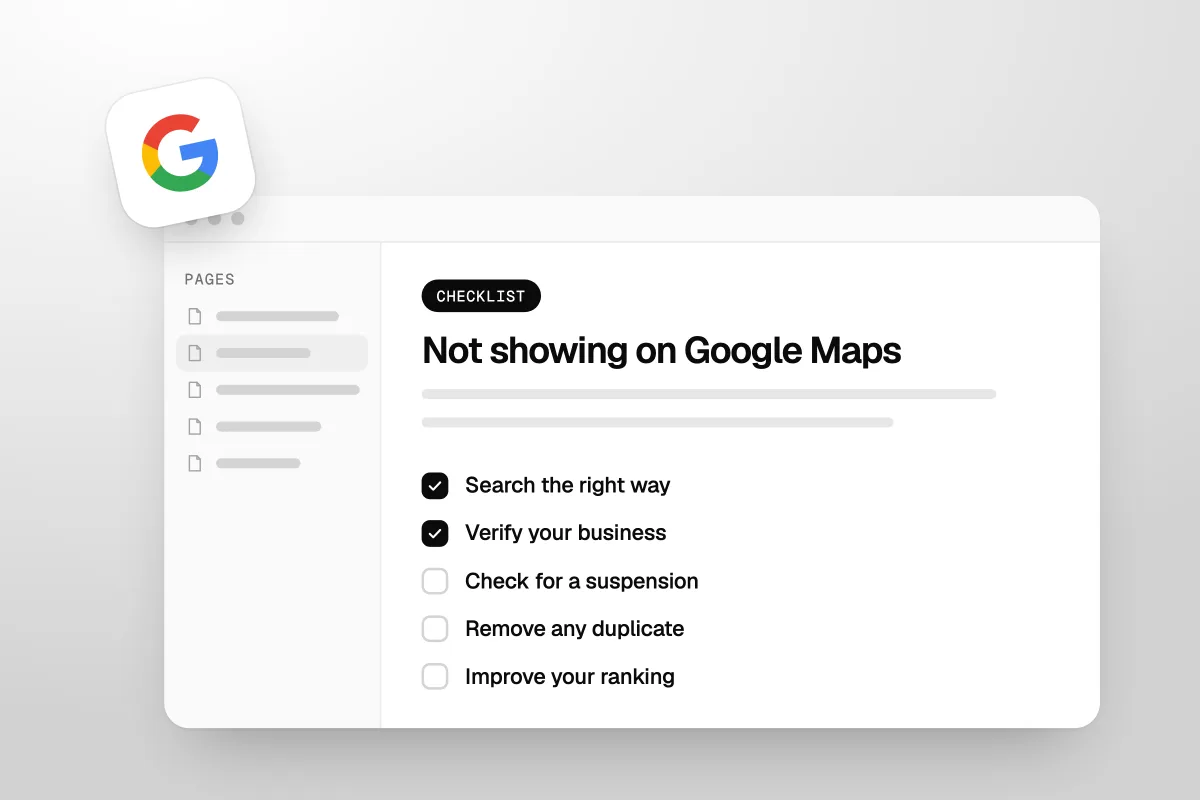
If your business is not showing on Google Maps, check six things: how you searched, whether the profile is new or just changed, verification, a suspension, a duplicate profile, and your ranking for that search. Check them in that order, because each one is quicker to rule out than the next.
This guide gives you that order and the fix for each step. Every rule comes from Google's own Business Profile help pages, checked on 18 October 2026. Where a cause has its own full guide on our blog, we link to it instead of repeating it here.
The short answer
- Search the right way. Search your business name and city on Google Maps, not "plumber near me".
- Give it time. Google says a new business can take up to a month to appear in rankings.
- Verify your business. Google says only verified businesses can show their info on Maps and Search.
- Check for a suspension. A suspended profile does not show to anyone until you fix it.
- Remove any duplicate. Google says a duplicate profile "won't show on Google Search or Maps."
- Improve your ranking. If you show for your name but not for your service, it is a ranking problem, not a missing profile.
| Check | How to tell | The fix |
|---|---|---|
| Search | You searched a service, not your name | Search your name and city on Maps |
| Timing | New profile, or you edited it in the last few days | Wait, and do not keep editing |
| Verification | Your profile shows a "Get verified" button | Finish verification |
| Suspension | A notice in the Google Account that manages the profile | Fix the cause, then appeal |
| Duplicate | Two profiles for the same business or address | Claim, remove or merge |
| Ranking | You show for your name, not for your service | Complete the profile, get reviews, build links |
Is your business missing, or just not ranking?
Find out first, because the fixes are completely different. Search your exact business name and your city on Google Maps. If your profile comes up, it is not missing. It is just not ranking for the searches you care about.
Google's help page gives these ways to find your profile:
- On Google Search, search your business name and city, or "my business".
- On Google Maps, search your business name and city.
- In the Google Maps app, tap Business at the bottom right.
Google notes you must be signed in to the Google Account linked to the profile to find it as its manager. To see what customers see, also search from a phone or browser where you are not signed in.
If you searched for your service, like "electrician", from your own street, that is a ranking question. Skip to the ranking section below. If even your name and city bring up nothing, keep going down this list.
Search your name first. If you show up, you are not missing. You are just not ranking high yet.
Is your profile new, or did you just change it?
If it is, give it time before you change anything else. Google's help page says "rankings for new businesses can take up to a month to appear in search results."
Edits take time too, and Google's pages give two answers. Its page on finding your business says changes "can take up to 3 days to appear." Its page on business addresses says profile changes "usually take about 10 minutes to show up. In some cases, it can take up to 30 days."
So if you just moved, changed your name or swapped your category, give it those days before you change anything else. If you are also waiting on a verification postcard, Google says not to edit your name, address or category at all until the code arrives.
Is your Google Business Profile verified?
Check this next, because an unverified profile cannot fully show. Google's help page is blunt: "Only verified businesses can show their business info on Maps and Search."
The sign is easy to spot. If your profile shows a "Get verified" button, you are not verified, or Google could not finish verifying you. Google's local ranking page also says verifying makes your business "more likely to show up in search results."
Verification has its own steps and its own fixes when it fails, so we wrote a full guide. Follow our steps for Google Business Profile verification, then come back to this list.
Has your profile been suspended or disabled?
If it has, nobody else can see it until you fix the problem. Google's help page says that if a profile breaks its guidelines, "it becomes disabled or suspended and won't show to other users on Google until you resolve the issue."
Google says you will get a notification in the Google Account you use to manage the profile. Check that account's email, including spam, and check the profile itself.
Do not make a new profile to get around it. That creates a duplicate, which is the next problem on this list. Our guide to a suspended Google Business Profile walks through the appeal, the evidence Google accepts and how long it takes.
Is a duplicate profile hiding your business?
It might be. Google allows one Business Profile per business, and its help page says "if a profile is considered a duplicate, it won't show on Google Search or Maps." That means your real profile can vanish because of a second one you did not know about.
Google gives three common reasons a profile gets marked as a duplicate:
- A verified profile already exists for the same business.
- More than one profile uses the same address.
- The same business has separate profiles for different services.
Duplicates can come from an old agency, a past owner or a staff member trying to help. They also appear when a business moves and someone makes a new profile instead of updating the old one. Here is Google's fix for each case:
| Situation | What Google says to do |
|---|---|
| Someone else owns a verified profile for your business | Request ownership. The owner has 3 days to respond |
| You made a duplicate by mistake | Remove it. All its content and linked managers are removed too, so pick the right one |
| Two profiles for the same business on Maps | Request a merge by suggesting an edit on Google Maps. Reviews are combined, but replies to reviews may be lost |
| You moved | Update the address on your existing profile. Do not create a new one |
| You offer several services | List them as services on one profile, not as separate profiles |
| Google merged two real, separate businesses by mistake | Contact support to appeal. If both share a location, you need proof of permanent signage for both |
Source: Google's Resolve duplicate profiles and ownership issues, checked 18 October 2026.
Is your business allowed on Google Maps?
Some businesses are not eligible for a profile at all, and some are set up in a way that keeps them off the map. Check these against Google's guidelines:
- Online only. Google says a business that operates online only, with no in-person service, is not eligible for a Business Profile.
- Virtual offices. Google says a rented mailing address you do not work from "isn't eligible for a Business Profile." P.O. boxes are not acceptable either.
- Service-area businesses. If you go to customers, like a plumber or a cleaner, you can hide your address. Google says your profile then "will only show your service area." Your business will not show as a pin at your home, and that is normal.
- A huge service area. Google says your service area "shouldn't extend farther than about 2 hours of driving time" from where you are based. Do not list towns you never visit.
- An address Google cannot find. Google's address page says to enter a full street address. If there is no street number, set a pin on the map instead.
Source: Google's Guidelines for representing your business on Google and Manage your business address, checked 18 October 2026.
If your hidden-address service business does not show as a pin, that is not a fault. Customers find you by searching for the service in the area you cover, which brings us to ranking.
Why does your business show for its name but not for "near me" searches?
Because showing up and ranking are different things. When someone searches a service near them, Google picks which businesses to show. Google says local results are mainly based on three things: relevance, distance and prominence. The same page also calls the third one popularity.
| Factor | What Google says it means | What you can do |
|---|---|---|
| Relevance | How well your profile matches what someone searched | Give complete and detailed business info, with the right category and services |
| Distance | How far you are from the person searching | Little. You cannot move closer to every customer |
| Prominence | How well-known your business is, including links to your site and your reviews | Get more reviews, earn links from other sites, keep the profile active |
Source: Google's Tips to improve your local ranking on Google, checked 18 October 2026.
Distance is the one people forget. If you search from your own office, you see results ranked for your office. A customer across town sees a different list. Google says if a person does not share their location, it uses what it knows about where they are.
How do you get your business to rank higher on Google Maps?
Make your profile complete and true, then build reviews and links over time. Google's local ranking page lists these steps:
- Verify your business. Covered above.
- Keep your info complete and accurate. Google says if your info is wrong, "your Business Profile might not show up for relevant searches in your area." Add your address if customers visit, your hours, your category and other details.
- Pick the right category. Google's guidelines say not to use categories "solely as keywords." Choose the ones that describe your core business.
- Get reviews, and reply to them. Google says "more reviews and positive ratings can help your business's local ranking," and that helpful replies help you stand out. Our guide on how to respond to negative reviews has example replies.
- Add photos and videos. Google lists these as a way to show what you offer.
- Earn links to your website. Google says prominence is based partly on "how many websites link to your business."
None of this is instant. It is the same groundwork that helps you show up in AI answers too, which we cover in how to get recommended by ChatGPT and Google AI Overviews. For trades, our guide on how to get more plumbing leads shows where Maps fits next to your other lead sources.
A complete profile, real reviews and a few good links do more than any trick. There is no shortcut Google allows.
Can you pay Google to show up on Google Maps?
No, not in the free local results. Google's local ranking page says "there's no way to request or pay for a better local ranking on Google." Anyone who promises a paid spot in the free map results is not offering something Google sells.
What you can pay for is ads, which sit apart from the free results. For home service businesses and law firms, that often means Local Services Ads, the pay-per-lead listings with a badge. We explain how that badge works now in our post on how Google Guaranteed became Google Verified.
When should you get help?
You can do most of this list yourself. Searching the right way, waiting out a change, finishing verification and spotting a duplicate are all free, and Google's own Business Profile support and community forum will help you for free too. Start there.
Help is worth paying for when the problem is ranking, not a missing profile. Moving up the map takes steady work on your profile, reviews, website and links, month after month. That is part of our SEO and answer engine optimization service. If you would rather hand your whole marketing job over, see how Havstock Unlimited works.
This will not suit you if your profile is suspended and you only need it back. Follow the suspension guide linked above. A monthly service is too much for a one-off fix.
FAQ
Why is my business not showing up on Google Maps?
Usually because the profile is new, unverified, suspended or a duplicate, or because it ranks low for the search you tried. Search your exact business name and city on Maps first. If it shows, it is a ranking problem. If it does not, work through verification, suspension and duplicates in that order.
How long does it take for a new business to show on Google Maps?
Google says rankings for new businesses can take up to a month to appear in search results. Your profile also has to be verified first, and verification reviews take up to 5 business days. Avoid making lots of edits while you wait, because changes take time to show.
Why can I see my business but my customers cannot?
You may be signed in as the owner, which shows you your own profile. If the profile is suspended or not yet verified, other people may not see it. Search from a phone or browser where you are not signed in to see what a customer sees.
Does a service-area business show on Google Maps?
Yes, but not as a pin at your address if you hide it. Google says a profile with a hidden address will only show your service area. Customers find you by searching for your service in the area you cover, so your ranking depends on relevance, distance and prominence.
Can a duplicate profile stop my business showing?
Yes. Google says if a profile is considered a duplicate, it won't show on Google Search or Maps. Find the other profile, then request ownership, remove it if you made it, or ask Google to merge them by suggesting an edit on Google Maps.
Can I pay to get my business on Google Maps faster?
No. Google says there's no way to request or pay for a better local ranking. You can pay for ads, which show separately from the free map results. For the free results, verify your profile, keep it complete and accurate, and build reviews and links over time.
Will changing my business name help me show up?
Only if your real name changed. Google wants your real business name, as customers know it. Adding a service or city to the name breaks its guidelines and can get the profile suspended, which hides it completely. Name changes may also trigger re-verification.
What is the first thing to check?
Open Google Maps, search your business name and your city, and note what you see. That one search tells you which half of this guide you need. If your business is not showing on Google Maps even for its own name, work down the checks in order. If it is, the work is ranking, and that takes steady work over months.