
 Nathan Field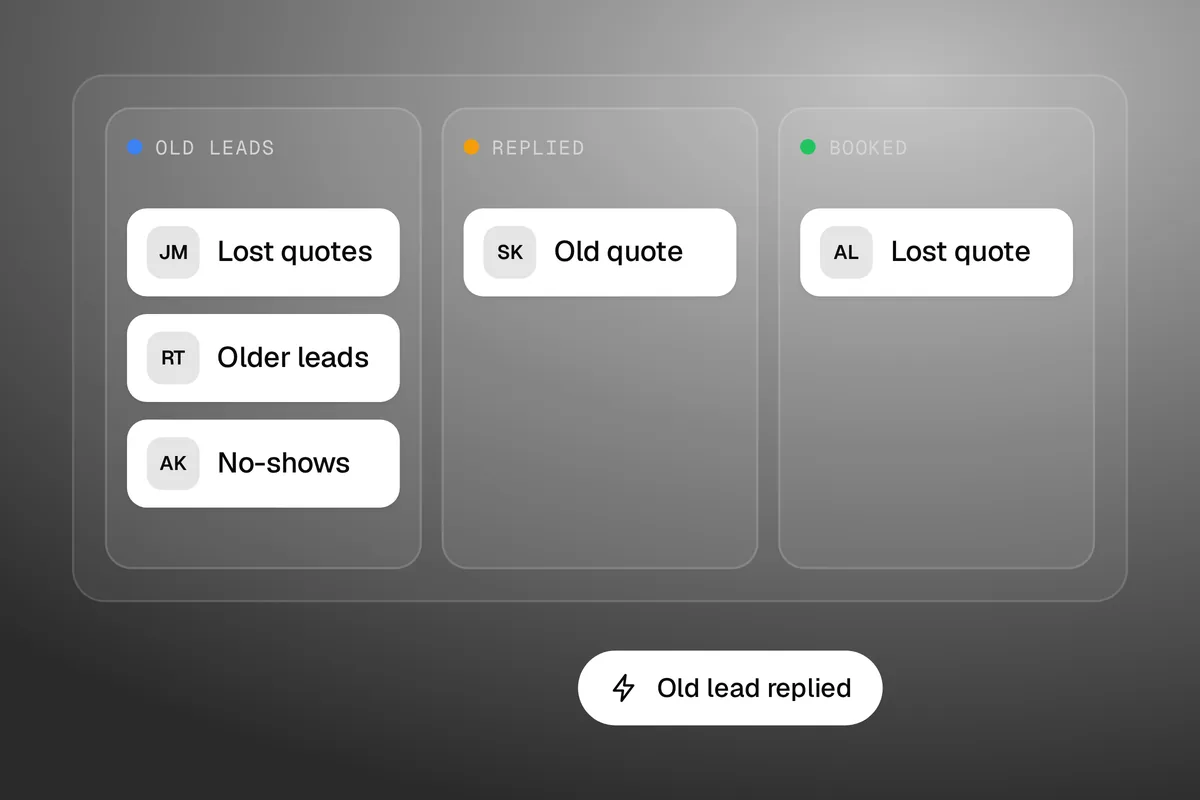
Database reactivation means contacting the old leads and past customers already in your CRM, by email and text, to start new conversations instead of paying for new leads. Done well, it is one of the cheapest campaigns a service business can run. Done badly, it gets your texts paused and your emails marked as spam. This guide covers the order to do it in, what to say, what it costs in GoHighLevel and the consent check that has to come first.
The short answer
A database reactivation campaign has six steps:
- Check who you are allowed to email and who you are allowed to text. They are not the same list.
- Clean the list: remove bounced emails, opt-outs and people who became customers.
- Split it into groups by what each person last asked about.
- Email everyone you can email, with one short question.
- Text only the people who agreed to texts, in small batches.
- Have a person ready to answer replies the same day, then stop after a few messages.
The messages cost very little. On GoHighLevel's own rates, 1,000 one-segment texts cost about $11 to $12.50, and 1,000 emails cost $0.675 (checked 5 October 2026). The real cost is the time to answer replies.
What is database reactivation?
It is a short campaign to people who already know your business but went quiet. Three groups usually sit in a CRM doing nothing:
- Old leads. They asked for a quote or booked a call, then stopped replying.
- Lost quotes. They got a price and went elsewhere, or did nothing.
- Past customers. They bought once and have not heard from you since.
You paid to get every one of those contacts, through ads, referrals or your own time. A reactivation campaign asks them one simple question and sees who answers. It is not a newsletter and it is not a blast. It works because it is short and personal.
The leads you already paid for are the cheapest ones you will ever contact. Most businesses never ask them a second question.
Check consent before you send anything
This step comes first, and it is the one that can hurt you if you skip it. Having someone's details is not the same as having permission to market to them.
In the US, the CAN-SPAM Act covers commercial email, and the FTC's compliance guide says it makes no exception for business-to-business email. Its own example of a message that must comply is one sent to former customers about a new product line. The guide lists the rules: no misleading headers or subject lines, say where you are located, tell people how to opt out, and honor an opt-out within 10 business days. It says each separate email in violation can bring penalties of up to $53,088.
Text
Texts are stricter. GoHighLevel's A2P 10DLC registration guide puts it in one line: "Collecting a contact's phone number does not by itself establish consent to receive SMS messages." It says consent must clearly show that the contact knowingly agreed to the type of messages you send, and that an SMS consent box must not be pre-ticked.
The federal rule sits behind that. 47 CFR 64.1200 requires "prior express written consent" for telemarketing calls made with an automatic dialing system. How that applies to your texts and your list is a question for a lawyer. We are not giving legal advice here, and other countries have their own rules.
The practical result is two lists. One is people you can email. The other, usually much smaller, is people who agreed to get texts from you. An old spreadsheet of phone numbers with no record of how they opted in belongs on neither.
How to run a database reactivation campaign
1. Clean the list
Take out anyone who opted out, any email that bounced before, and anyone who has since become a customer in a different record. If the list is old, verify the email addresses first. A wave of bounces from a stale list can damage how inboxes treat your sending address.
2. Split it into groups
One message to everyone is what makes a campaign feel like spam. Group people by what they last asked for and how long ago.
| Group | Who is in it | What to ask |
|---|---|---|
| Recent quotes | Got a price in the last few months, no decision | Do you still need this done? |
| Older leads | Asked a question, never booked | Is this still on your list? |
| Past customers | Bought once | Is it time for the next one, or a check-up? |
| No-shows | Booked a call or visit and missed it | Want to pick a new time? |
Tags and saved filters do this job in most CRMs. Our guide to smart lists and tags in GoHighLevel shows how to build the groups.
3. Email first
Email is the wider list and the lower risk, so it goes first. Keep it to a few lines of plain text from a real person, with one question and a clear way to opt out. No banner, no offer stack. The goal is a reply.
4. Text only the people who agreed to texts
Send in small batches across several days, not all at once. Name your business in the first line, because an old lead may not have your number saved. Include a way to opt out. Then wait for replies before you send the next batch.
5. Have a person ready to reply
This is where campaigns fail. Someone answers "yes, call me" and hears nothing for two days. Before you send, decide who answers, how fast, and what they offer: a call, a visit or a quote. If you cannot answer the same day, send fewer messages.
6. Stop after a short sequence
Two or three messages spread over a couple of weeks is enough. Anyone who has not replied goes back to your normal follow-up, or gets left alone. Our post on automating lead follow-up without losing the human touch covers what that normal follow-up should look like.
What to say in a reactivation message
Short, specific and easy to answer with one word. These are examples to adapt, not scripts that promise a result.
Text to an old quote:
Hi Sam, it's Jo from Your Business. Still need a hand with that quote? Reply STOP to opt out.
Email to an older lead: a subject line with their job in it, then two sentences. "You asked us about a new fence back in spring. Is that still on your list, or has it been sorted?"
Text to a past customer: "Hi Sam, Jo from Your Business. It has been a year since we serviced your system. Want me to book the next one?"
When an old lead replied "Yes, can you call me tomorrow?", the campaign has done its job. Everything after that is a normal sales conversation. Three things to leave out: fake urgency, a discount in the first message, and anything that pretends to be a reply to a thread that does not exist.
How to do database reactivation in GoHighLevel
GoHighLevel suits this because the contacts, the texting, the email and the replies all sit in one place. We run our own funnels and chat bot in it. If you do not have an account, our special link gets you a 30-day free trial of GoHighLevel plus a free live bootcamp (we may earn a commission from this link). Sign up on GoHighLevel's own site and you get the standard 14 days, with no bootcamp. Texts and emails are charged during a trial too.
Four of GoHighLevel's own rules shape how you run the campaign there.
Register before you text
To text US mobiles from a local number you need A2P 10DLC registration, and the registration asks you to show how people opted in. Start it first, because it has to be approved before anything sends. Our GoHighLevel pricing guide lists the fees.
Follow the bulk SMS rules
GoHighLevel's bulk SMS guide says to seek consent before adding anyone to a campaign, to "always identify yourself and your business by name", and to use bulk texts "sparingly, no more than once per month". It also says to add an unsubscribe line if it is your first message to a contact or it has been 90 days or more since the last one. Every reactivation text meets that test, so every one needs the opt-out line. There is a setting that adds "Reply STOP to unsubscribe" for you.
Send in drip mode
Bulk sends can go all at once, on a schedule or in drip mode. Use drip mode. It spreads the messages out, so replies arrive at a pace a person can handle.
Watch your opt-out rate
This is the rule a reactivation campaign is most likely to break. GoHighLevel's messaging quality page (modified 15 September 2026) measures opt-outs over a rolling 7-day window, once a sub-account has sent at least 500 texts in that window.
| Sub-account | Warning | Texts paused |
|---|---|---|
| New (under 7 days of sending) | Opt-out rate of 3% or more | Opt-out rate of 10% or more |
| Established (7 days or more) | Opt-out rate of 4% or more | Opt-out rate of 6% or more |
A pause stops bulk, workflow and campaign texts for 12 hours, then 24 hours if it happens again. One-to-one conversations keep working. An old list that has not heard from you in a year is exactly the kind that opts out in numbers. Small batches let you see the rate before it reaches the line.
Send 100 texts and read the replies before you send the next 100. A campaign you can stop is a campaign you can fix.
For the email side, new sub-accounts have daily sending limits. GoHighLevel's email page lists 250 emails on day 1, rising to 10,000 on day 7. So a brand new account cannot email a big list on its first day, which is no bad thing.
What database reactivation costs in GoHighLevel
The sending cost is small. These are GoHighLevel's published rates on 5 October 2026, on top of the plan.
| Item | GoHighLevel's rate | For 1,000 contacts |
|---|---|---|
| Outbound text, US or Canada | $0.00747 per segment, plus a carrier fee of $0.0035 to $0.0050 | About $11 to $12.50 for one-segment texts |
| Inbound text (replies) | $0.00747 per segment, plus a carrier fee | Depends on how many reply |
| $0.675 per 1,000 emails | $0.675 | |
| Email verification | $2.50 per 1,000 checks | $2.50 |
Two details from GoHighLevel's phone pricing page: you are charged for every text where a delivery was attempted, even if it fails, and long texts are billed as more than one segment. Dead numbers on an old list still cost you. That is one more reason to clean the list first and keep each message short.
Should AI answer the replies?
It can help, with limits. GoHighLevel sells AI plans at $50 or $97 a month per sub-account (GoHighLevel's pricing page, checked 5 October 2026), and its Conversation AI can answer texts and book appointments. The chat bot on our own homepage runs on it, and we reviewed it in our GoHighLevel Conversation AI review.
For reactivation, we would let AI handle the first reply and the booking, and hand anything else to a person. An old lead who replies with a complaint, a price question or a story about why they went elsewhere needs a human. Whatever answers, do not let it pretend to be a person if someone asks.
How to measure a reactivation campaign
Count four things per group, not just in total:
- Replies. Any answer, including "no thanks".
- Opt-outs. Watch this daily while texts are going out.
- Conversations booked. Calls, visits or quotes that came from a reply.
- Jobs won. The only number that pays you.
Then work out cost per job won: sending cost plus the hours spent replying, divided by the jobs. Compare that with what a new lead costs you from ads. We are not going to quote you a typical reply rate, because we have not seen one with a source we trust, and your list is not like anyone else's. Your first 100 messages will tell you more than a benchmark would.
When database reactivation is a bad idea
Skip it, or shrink it, in these cases:
- You bought the list. Those people never asked to hear from you. Do not text them.
- You cannot show how people opted in to texts. Email them instead, and ask for text consent going forward.
- Nobody can answer replies this week. Wait until someone can.
- The list is tiny. For 40 old leads, pick up the phone. It is faster than building a campaign.
- The reason they left is still true. If quotes went cold because you took a week to send them, fix that first.
Reactivation is a one-off harvest. If leads keep going cold, the fix is faster follow-up on new leads, not a bigger campaign to old ones.
That last point is the long-term answer. A lead who gets a reply in minutes rarely needs reactivating later. Missed call text back is the simplest place to start.
Do it yourself, or hand it over
You can run a database reactivation campaign yourself in an afternoon if your list is clean and your texting is already registered. Most of the work is the list and the replies, not the software.
GoHighLevel is the tool. Someone still has to do the work: clean the list, write the messages, set up the sends and answer people. Follow-up systems like this are part of our CRM and automations service. If you would rather hand over all of your marketing for a flat monthly fee, see how Havstock Unlimited works. It will not suit you if all you need is this one campaign. For that, the steps above are enough.
FAQ
What is a database reactivation campaign?
A database reactivation campaign is a short run of emails and texts to old leads and past customers who are already in your CRM. It asks a simple question to restart the conversation. It differs from a newsletter because it is brief, personal and aimed at getting a reply, not at sharing news.
Is database reactivation legal?
It can be, if you follow the rules for each channel. In the US, commercial email falls under the CAN-SPAM Act, and marketing texts need consent that you can show. Having a phone number is not consent. Rules differ by country, so check with a lawyer before you text an old list.
How many messages should a reactivation campaign send?
Two or three messages over a couple of weeks is enough for most lists. GoHighLevel's own bulk SMS guide says to use bulk texts sparingly, no more than once a month. If someone has not replied after a short sequence, stop. More messages mostly add opt-outs, not replies.
How much does database reactivation cost?
The sending cost is low. On GoHighLevel's rates on 5 October 2026, 1,000 one-segment texts cost about $11 to $12.50 and 1,000 emails cost $0.675, on top of the plan. Agencies that run it as a service charge their own fees. The bigger cost is the time to answer replies.
Can I text old leads who never opted in?
Do not assume so. GoHighLevel's registration guide says collecting a phone number does not by itself establish consent to receive texts, and US federal rules on automated marketing calls ask for prior express written consent. Email those contacts instead, and collect clear text consent from now on.
Does database reactivation work for small businesses?
It suits any business with a list of past leads and customers, which is most trades, clinics and service firms. How well it works depends on how clean the list is and how fast you answer replies. For a very small list, phoning people is quicker than building a campaign.
Database reactivation is simple work done in the right order: consent, clean list, small batches, fast replies. If you want to try it in the tool we use, start a 30-day free trial of GoHighLevel and send your first 100 messages before you send the rest.