
 Nathan Field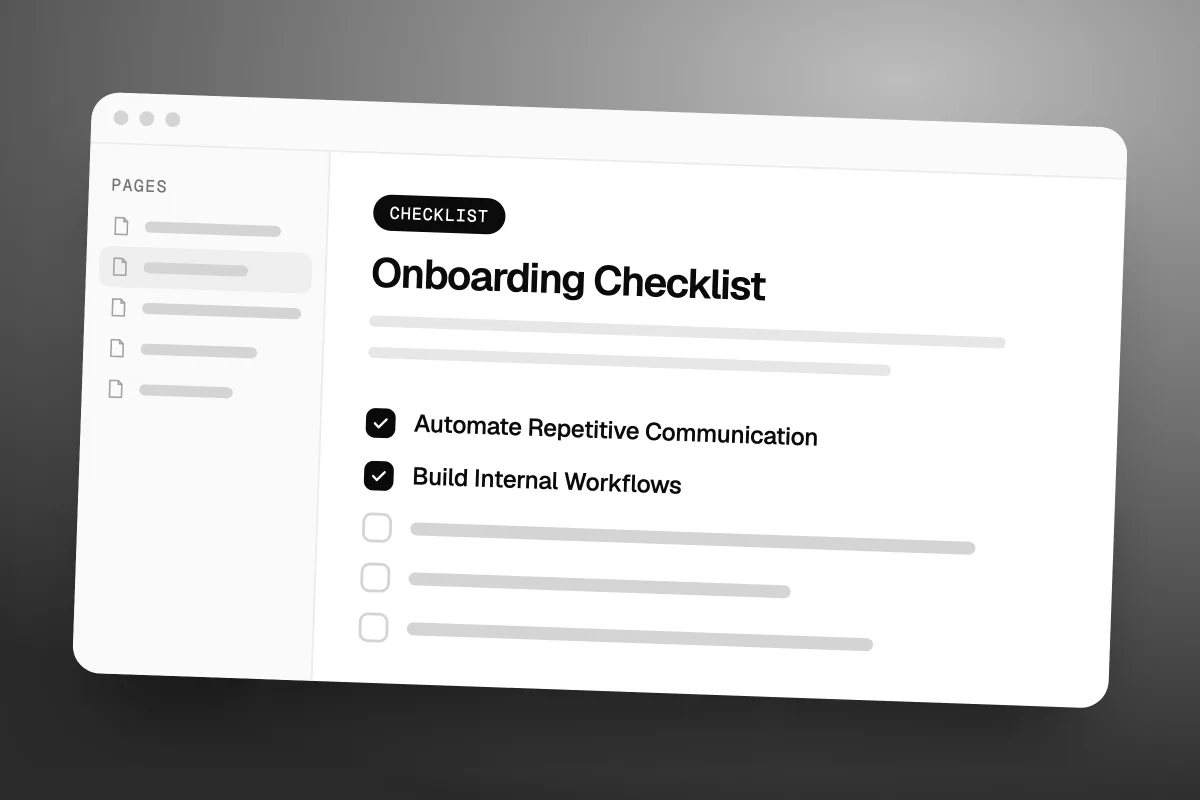
Winning a new client should feel exciting.
Unfortunately, it can also trigger a mountain of administrative work.
You need contracts, forms, payment confirmation, welcome emails, project details, meetings, access requests, and internal task assignments.
If every new client requires you to manually repeat the same process, growth eventually becomes difficult.
A scalable onboarding system solves this problem by turning your best processes into repeatable workflows.
Why Client Onboarding Matters
Onboarding creates the client's first real experience after the sale.
A disorganized process can make even a great business look unprofessional.
A strong onboarding experience should help clients understand:
What happens next
Who they communicate with
What information you need
When work begins
How projects are managed
Where they can ask questions
Clarity builds confidence.
Create an Onboarding Checklist
Start by documenting every task required when a new client signs.
Your checklist might include:
Contract completed
Payment received
Welcome email sent
Intake form completed
Assets collected
Kickoff call scheduled
Project created
Team assigned
Client added to communication channels
Once documented, these tasks become much easier to automate.
Track Every Client in an Onboarding Pipeline
Give onboarding its own pipeline in your CRM. In GoHighLevel (we may earn a commission from this link), for example, the stages could be:
| Stage | What it means |
|---|---|
| New Client | Agreement signed |
| Welcome Sent | Welcome email delivered |
| Assets Requested | Waiting for logins and files |
| Assets Received | Everything collected |
| Kickoff Scheduled | Call booked |
| Setup in Progress | Your team is building |
| Onboarding Complete | Ready for delivery |
Anyone on the team can see where every new client stands, without asking.
Collect Everything in One Form
Do not send five emails asking for five things. Send one intake form that asks for it all:
Business name and website
Social media links
Logo and brand assets
Target audience
Tools they already use
Logins, through a secure method, never plain email
One form saves time on both sides, and your team never has to chase the same item twice.
Automate Repetitive Communication
Your CRM can trigger communication automatically.
For example:
- New Client
- Payment Confirmed
- Welcome Email
- Intake Form
- Kickoff Scheduling
- Internal Notification
- Project Setup
This removes unnecessary manual work while ensuring every client receives the same core experience.
Keep the Human Element
Automation should handle repetitive tasks, not relationships.
Your welcome message can be automated while your kickoff call remains personal.
The goal is to automate administration so your team has more time for meaningful client interaction.
Run a Focused Kickoff Call
When the intake form comes back, send the calendar link automatically. Keep the call itself simple:
Review the goals
Confirm the timeline
Introduce the team
Answer their questions
Send an Onboarding Guide
A short guide answers most questions before they are asked. Cover the project timeline, how to reach you, your support hours, when reports arrive and a few common questions.
Send Progress Updates
Silence makes clients nervous, even when your team is busy. Trigger short updates when assets arrive, when setup starts, when integrations are done and when campaigns are ready. Tie each one to a pipeline stage and they send themselves.
Build Internal Workflows
Onboarding shouldn't only notify the client.
Your internal team also needs instructions.
Create workflows that assign:
Account setup
Strategy tasks
Content collection
Design tasks
CRM setup
Reporting configuration
Everyone should know what happens next.
Back the workflows with written SOPs for the internal jobs: account setup, CRM setup, building workflows, testing and a final review. Automation keeps the order. SOPs keep the quality the same, whoever does the work.
Common Mistakes
Avoid:
Sending too many emails
Asking for information repeatedly
Having unclear deadlines
Using different onboarding processes for every client
Failing to assign internal responsibilities
Starting work before receiving essential information
A simple process is usually the strongest process.
A scalable onboarding system protects your time while creating a better customer experience.
Document the process first.
Automate predictable tasks second.
Keep human interaction where it matters most.
As your client list grows, a strong onboarding system can become one of your biggest operational advantages.
Frequently Asked Questions
What should client onboarding include?
It should include contracts, payment, intake forms, access requests, project expectations, scheduling, communication details, and internal setup.
Can client onboarding be automated?
Yes. CRM and workflow platforms can automate emails, forms, notifications, scheduling, and task creation.
When should onboarding automation stop?
Automation should handle predictable administrative tasks while personal conversations and strategic decisions remain human.
Build Better Client Systems with Havstock
At Havstock, we help businesses build practical systems that combine automation, CRM, AI, and repeatable workflows.
Better systems mean less administrative chaos and more time for meaningful client work.