
 Nathan Field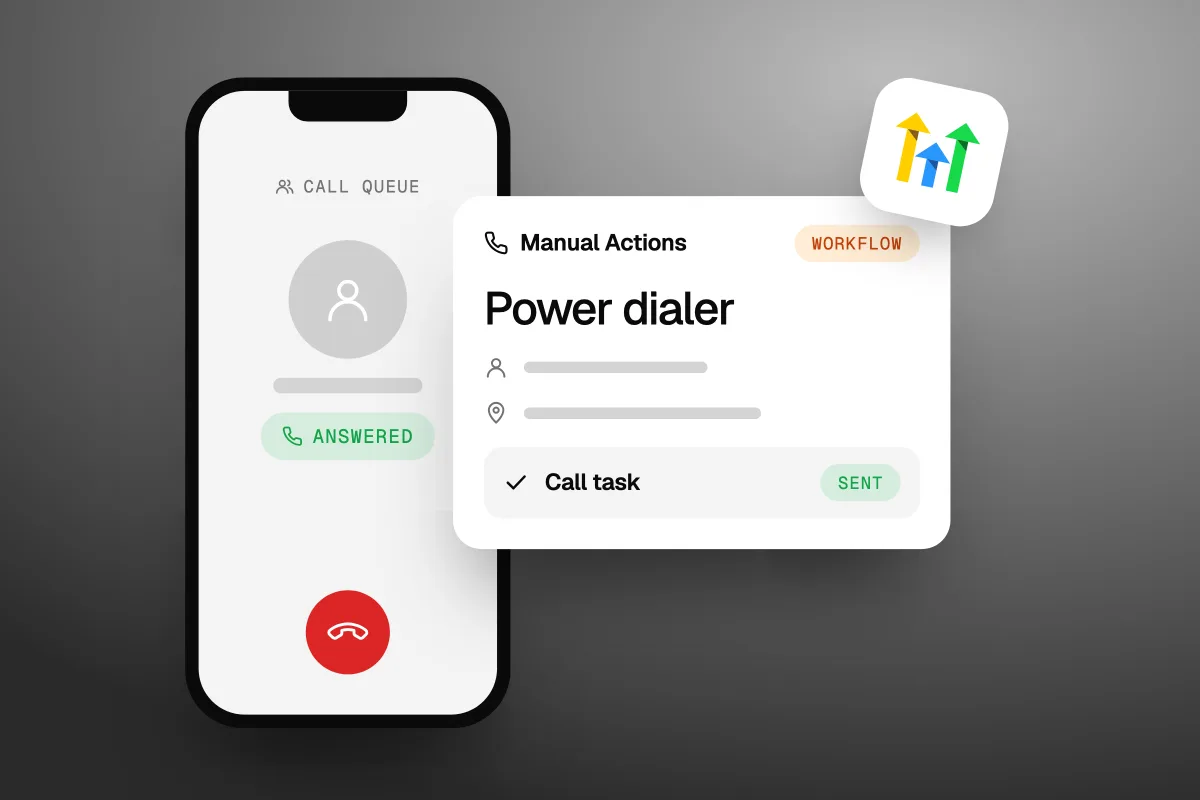
The GoHighLevel power dialer is a call queue built into GoHighLevel: a workflow turns contacts into call tasks, and you work through them in the built-in dialer, logging each outcome as you go. There is no extra fee for it. You pay for your plan and for phone usage, which is $0.0166 a minute for US outbound calls on GoHighLevel's own phone system (checked 12 October 2026). It places one call at a time, so if you want several lines ringing at once, you need an add-on dialer.
The short answer
- Where it lives: Conversations, then Manual Actions.
- How contacts get in: a workflow step called Manual Action To Call, fired by a tag, a form, a booking or a pipeline move.
- How you call: click Let's Start, talk, log the outcome, move to the next.
- What it costs: no add-on fee. US outbound calls are $0.0166 a minute, plus $1.15 a month for a local number.
- The limit: one line at a time.
What is the GoHighLevel power dialer?
It is not a separate app. It is two parts of GoHighLevel working together: call tasks that your workflows create, and the web dialer that places the calls. GoHighLevel's own blog post about it (13 March 2025) describes it that way, and its guide to outbound calls with the web dialer (modified 4 September 2026, checked 12 October 2026) puts the three ways to call side by side:
| Calling option | How it works | Best for |
|---|---|---|
| Web dialer | You open the dialer and type a number or pick a contact | One-off calls and callbacks |
| Power dialer (Manual Actions) | A workflow creates call tasks under Conversations, then Manual Actions. You work through the queue using the dialer | Sales, support or follow-up call lists |
| Mobile app | You call from the HighLevel mobile app | Calling away from your desk |
The dialer itself runs in your browser. GoHighLevel's Phone Dialer Overview (modified 3 September 2026) lists what it does: search contacts, log every call to the contact record, transfer calls (warm or blind), use the keypad for phone menus, play voicemail, and show call scripts during a call.
So when people ask if GoHighLevel has a power dialer, the honest answer is yes, with a catch. It is a queue you dial through one contact at a time. Nothing in GoHighLevel's guides says it rings several numbers at once.
How does the GoHighLevel power dialer work?
A trigger fires, a workflow creates a call task, and the task waits in your queue until someone calls. Here is the full loop, from GoHighLevel's help pages on manual call actions and the Manual Actions page:
- Something happens. A tag is added, a form is filled, an appointment is booked, or a deal moves to a new pipeline stage.
- The workflow makes a task. Its Manual Action To Call step creates a call task and assigns it to one person or shares tasks out by round robin.
- The task joins the queue. It shows up under Conversations, then Manual Actions, with the status Yet to Call.
- You start calling. Click Let's Start. The dialer opens and calls the contact.
- You log the result. Mark the call No Answer, Busy, Voicemail or Completed, and mark the task Complete, Skip or Re-queue. Then press Enter to start the next one. A progress bar shows how far through the list you are.
The queue has filters for workflow, task type (call or text), status (Yet to Call, Completed, Skipped) and the person it is assigned to. The filters save into the page address, so a manager can send a link to a filtered queue and the other person sees the same list. You can also tick several tasks and move them to someone else with Bulk Actions.
The power dialer is only as good as the workflow that fills it. Pick triggers that mean a person is waiting to hear from you.
How do you set up the power dialer in GoHighLevel?
Get a phone number ready, build one workflow with a Manual Action To Call step, then open the queue. Before you start, GoHighLevel's dialer guides ask you to check four things:
- A number to call from. The sub-account needs an active phone number or a set-up caller ID.
- Permission. The user must be allowed to use calling features.
- Your microphone. Allow it in the browser when asked, and pick your headset in the dialer's settings.
- Call timeout. Go to Settings, then Phone System, then Phone Numbers, and open Edit Configuration. Set Outgoing Call Timeout to at least 20 seconds. A shorter timeout can end calls before the other phone even rings.
Then build the queue. These steps follow GoHighLevel's guide to adding a Manual Call action to a workflow (checked 12 October 2026):
- Open the workflow builder and click + Create Workflow.
- Click + Add Trigger and pick what should put someone on the call list, such as a form submitted or a tag added.
- Click the + under the trigger and choose Manual Action To Call. Give it a clear name, like "Call new quote requests".
- Assign the calls to one person, or share them out by round robin.
- Click Save, then Publish.
- Go to Conversations, then Manual Actions. Filter to your tasks and click Let's Start.
- Check the Calling From number at the top of the dialer, make the call, log the outcome and move on.
Two extras are worth five minutes. Call scripts can be set up per sub-account and shown in the dialer during a call, so new team members say the right things. And if you record calls, GoHighLevel's own guide says not to remove the "this call will be recorded" announcement until you have checked the consent rules that apply to you.
One line on the law: before cold calls in the US, check the National Do Not Call Registry and get consent where it is needed. We do not give legal advice, so ask your lawyer before you run a calling campaign.
What does the GoHighLevel power dialer cost?
There is no fee for the dialer itself. You pay your GoHighLevel plan, from $97 a month on Starter (GoHighLevel's pricing page, checked 12 October 2026), plus phone usage. These are the US rates from GoHighLevel's phone system pricing guide (modified 29 September 2026, checked 12 October 2026):
| Item (US) | Price |
|---|---|
| Local number | $1.15 a month |
| Toll-free number | $2.15 a month |
| Outbound call | $0.0166 a minute ($0.0126 carrier rate plus $0.004 "client minutes") |
| Conference call charge | $0.0018 a minute per participant. GoHighLevel's guide says every outgoing call runs as a conference call |
| Call recording | $0.0025 a minute |
| Recording storage | $0.0005 a minute, every month, old recordings too |
| Call transcription | $0.024 a minute |
| Answering machine detection | $0.0075 a call |
| Voicemail drops | $0.018 a minute |
Calls are billed in full minutes. A call of 61 seconds counts as 2 minutes.
What does a month of calling cost?
Here is a worked example with our own maths, not a quote. Say you make 500 calls a month and each is billed as 2 minutes. That is 1,000 minutes.
| Line | Sum | Cost |
|---|---|---|
| Outbound minutes | 1,000 x $0.0166 | $16.60 |
| Recording | 1,000 x $0.0025 | $2.50 |
| Transcription | 1,000 x $0.024 | $24.00 |
| Local number | 1 x $1.15 | $1.15 |
| Total | $44.25 |
We left out the conference charge, because GoHighLevel does not say how many participants an outgoing call counts as. At $0.0018 a minute per participant, it is small next to the rest. Recording storage also grows each month you keep the files.
Transcription costs more than the calls themselves. Turn it on only if someone will read the transcripts.
To stop storage charges from piling up, GoHighLevel's pricing guide says you can set old recordings to delete automatically under the phone number's call recording settings. Our GoHighLevel pricing guide covers the rest of the usage fees, like texts and emails.
The cheapest way to see your real numbers is to try it. Our special link gets you a 30-day free trial of GoHighLevel (we may earn a commission from this link) plus a free live bootcamp. Sign up on GoHighLevel's own site and you get the standard 14 days, with no bootcamp. Phone usage can still be charged during a trial.
Can the GoHighLevel power dialer call several numbers at once?
Not from anything GoHighLevel documents. Its guides describe a queue you work through one call at a time. If you want several lines ringing at once (often called a multi-line or parallel dialer), you need a separate tool. Two that say they work inside HighLevel:
| Dialer | Lines at once | Works with HighLevel | Free trial |
|---|---|---|---|
| GoHighLevel power dialer | One call at a time | Built in | Comes with your GoHighLevel plan |
| WAVV | Up to 3 lines | Embedded inside HighLevel | 7 days |
| Kixie | Up to 4 numbers in parallel | Lists a native HighLevel CRM integration | 7 days, no credit card |
WAVV and Kixie facts are from their own sites (wavv.com/highlevel, kixie.com and their plans pages), checked 12 October 2026. Neither plans page shows prices as plain text, so check them there before you compare costs.
This is where GoHighLevel's own dialer is the wrong choice. If your team makes hundreds of cold calls a day, a multi-line dialer is built for that job. If you mostly call warm leads who asked to hear from you, the built-in queue is enough, and you skip a second subscription.
Why do calls from GoHighLevel show as Spam Likely?
Because carriers judge your phone number's reputation, and calling through GoHighLevel does not change that by itself. GoHighLevel's web dialer guide lists three tools for it, found in the Trust Center, and is clear that none of them is a guarantee:
| Tool | What it does | Its limit |
|---|---|---|
| CNAM | Puts a business name with your US number | The name may not show, and it does not remove spam labels |
| SHAKEN/STIR | Confirms your caller ID is real, so carriers can trust the call | Does not promise to remove a spam label |
| Voice Integrity | Registers eligible US numbers with the main caller-ID analytics companies to address spam labels | Each company reviews it separately, and changes take time |
After an unanswered call, GoHighLevel may show a Voice Integrity prompt as a shortcut. If you plan to make a lot of calls from one number, set this up before you start, not after the labels appear.
Is the GoHighLevel power dialer worth using?
Yes, for calling warm leads you already have in GoHighLevel. Every call logs to the contact, and the outcomes sit next to the pipeline and the texts. Good lists to feed it:
- New quote requests and form fills, called while they still remember filling the form in.
- Quotes that went quiet.
- No-shows from your booking calendar.
- Old leads who said yes to hearing from you. Our guide to database reactivation covers the consent checks first.
Pair it with a text. When a lead calls you and you miss it, missed call text back sends a reply in seconds and the call task can follow. And if you want an AI to make some of the calls, GoHighLevel Voice AI can call from a workflow, with its own rules and costs.
The dialer saves clicks. It does not decide who to call, what to say or when to stop calling.
That is the part people underestimate. GoHighLevel is the tool. Someone still has to do the work: build the workflows that fill the queue, write the scripts, and keep the pipeline clean so the right people get called. We set up pipelines, workflows and follow-up for clients as part of our CRM and automations service. If you would rather hand that part over, see how Havstock Unlimited works. If you want to build it yourself, start a 30-day free trial with our special link and set up one queue first.
FAQ
Does GoHighLevel have a power dialer?
Yes. GoHighLevel's power dialer is a queue of call tasks under Conversations, then Manual Actions, filled by workflows with a Manual Action To Call step. You click Let's Start, the dialer calls each contact in turn, and you log the outcome. It is built in, so there is no separate app to install or pay for.
Is the GoHighLevel power dialer free?
There is no extra fee for the dialer, but calls cost money. On GoHighLevel's own phone system, US outbound calls are $0.0166 a minute and a local number is $1.15 a month, checked 12 October 2026. Recording, transcription and answering machine detection cost extra. You also need a GoHighLevel plan, from $97 a month.
Can the GoHighLevel dialer call more than one number at once?
Not according to GoHighLevel's guides, which describe one call at a time. For several lines at once, add a multi-line dialer that works with HighLevel. WAVV says it calls up to three lines inside HighLevel, and Kixie says it auto-dials up to four numbers in parallel. Both offer a 7-day free trial.
Where do I find the power dialer in GoHighLevel?
Your call queue is under Conversations, then Manual Actions. Click Let's Start to begin. The dialer itself opens from the green phone icon in the top bar of most pages. If the Manual Actions page is empty, no workflow has created call tasks yet, so check that your workflow is published and its trigger has fired.
Can I share power dialer calls across my team?
Yes. In the Manual Action To Call step, assign calls to one user or use round robin to share them out. On the Manual Actions page, you can filter tasks by the person they belong to, and use Bulk Actions to move several tasks to someone else. A user with an assigned number calls from it by default.
Can I use the power dialer on my phone?
Yes. GoHighLevel says the Manual Actions page works on both web and mobile, and calls can be placed from the HighLevel mobile app. The web dialer also works in supported mobile browsers. For long calling sessions, a computer with a headset is easier, because the browser dialer needs microphone access and stable audio.
Does the GoHighLevel dialer record calls?
It can. Recording is a phone setting in GoHighLevel and costs $0.0025 a minute in the US, plus $0.0005 a minute each month for storage. Transcription is another $0.024 a minute. GoHighLevel's guide says to keep the recording announcement unless you have checked the consent rules that apply to your calls.
The GoHighLevel power dialer is a simple, cheap way to work through a list of warm leads without leaving your CRM. Build one workflow, set the call timeout to 20 seconds or more, keep an eye on transcription costs, and add a multi-line dialer only if your call volume needs it.