
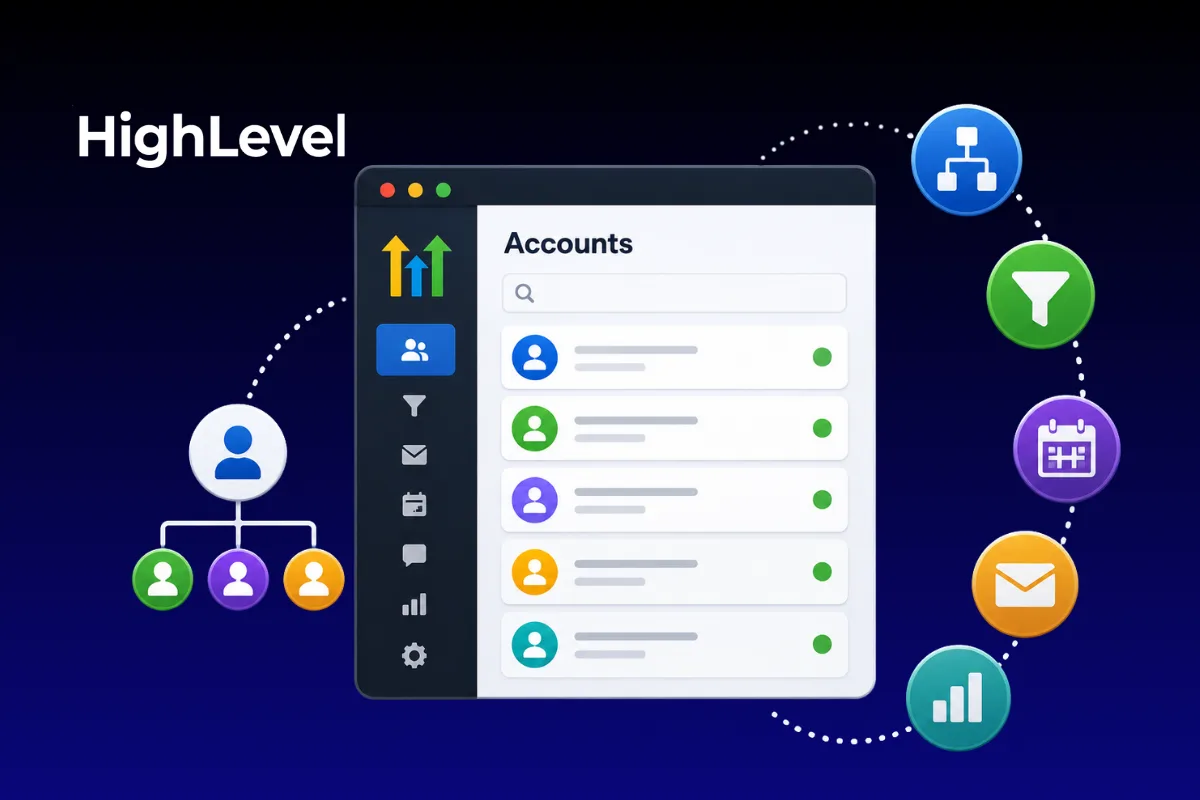
As your agency grows, so does the complexity of managing multiple clients.
One client needs a new workflow.
Another wants additional users.
Someone else needs a new landing page.
Before long, your GoHighLevel account feels cluttered, and finding the right client becomes more difficult than it should be.
The good news?
GoHighLevel was built with agencies in mind.
When your accounts are organized correctly, you can manage dozens—or even hundreds—of clients without creating unnecessary confusion.
Here's how to keep everything organized from day one.
Why Organization Matters
A messy account doesn't just slow your team down.
It increases the risk of:
Editing the wrong client's automation
Sending emails to the wrong contact list
Missing follow-up tasks
Wasting time searching for assets
Good organization helps your agency work faster and deliver a better client experience.
Step 1: Use One Sub-Account Per Client
The easiest way to stay organized is to keep every client inside their own GoHighLevel sub-account.
Each sub-account contains its own:
Contacts
Pipelines
Calendars
Funnels
Websites
Workflows
Conversations
Reporting
Keeping clients separated protects their data and simplifies management.
Step 2: Standardize Your Naming Convention
As your client list grows, random naming becomes a problem.
Instead of:
ABC
Smith
Test Client
Use something consistent.
For example:
Smith Roofing
Elite Dental
Johnson Law Firm
Simple naming makes searching much easier.
Step 3: Create a Master Snapshot
One of the biggest time-saving features in GoHighLevel is Snapshots.
Instead of rebuilding every client's account from scratch, create a master template that includes:
Pipelines
Calendars
Forms
Email templates
SMS templates
Workflows
Opportunity stages
When you sign a new client, simply load the snapshot and customize it.
This creates consistency across every account.
Step 4: Organize Your Workflows
Naming your workflows properly makes a huge difference.
Instead of:
Workflow 1
Automation Test
New Flow
Try:
Lead - New Inquiry
Client - Welcome Sequence
Appointment - Reminder
Reviews - Request Campaign
Clear names save time when troubleshooting later.
Step 5: Keep Pipelines Consistent
If every client uses completely different pipeline stages, managing accounts becomes confusing.
Whenever possible, use a standard structure.
Example:
Consistency improves reporting and training.
Step 6: Use Folders for Funnels and Websites
Clients often accumulate multiple pages over time.
Examples include:
Landing Pages
Thank You Pages
Sales Funnels
Websites
Membership Pages
Use folders or clear naming conventions to keep everything organized.
Step 7: Assign User Permissions Carefully
Not every team member needs access to every account.
Assign permissions based on roles.
Examples:
Sales
Account Manager
Support
Admin
Limiting access reduces mistakes and improves security.
Step 8: Archive Old Assets
Over time you'll create:
Old funnels
Outdated workflows
Previous campaigns
Unused forms
Don't delete everything immediately.
Instead, archive assets you no longer use.
A cleaner workspace makes active projects easier to manage.
Step 9: Review Client Accounts Regularly
As your agency grows, small issues become bigger problems.
Set aside time every month to review:
Workflows
Pipelines
User permissions
Contact lists
Integrations
Routine maintenance keeps accounts running smoothly.
Common Organization Mistakes
Rebuilding Every Account From Scratch
Use Snapshots whenever possible.
Inconsistent Naming
Random names create unnecessary confusion.
Giving Everyone Admin Access
Protect client accounts by assigning appropriate permissions.
Leaving Old Automations Running
Disable or archive workflows that are no longer needed.
Best Practices for Scaling
As your agency grows, focus on consistency.
Successful agencies:
Use standardized templates
Document internal processes
Review accounts regularly
Keep naming conventions simple
Build repeatable systems
Organization today prevents chaos tomorrow.
Managing multiple clients doesn't have to be overwhelming.
With the right structure, GoHighLevel becomes easier to navigate as your agency grows.
The goal isn't just staying organized.
It's creating systems that allow your team to onboard clients faster, troubleshoot more efficiently, and deliver a consistent experience every time.
The more organized your GoHighLevel account is today, the easier it will be to scale tomorrow.
FAQs
What's the best way to organize clients in GoHighLevel?
Create a separate sub-account for every client and use consistent naming conventions.
What are Snapshots used for?
Snapshots allow you to duplicate funnels, workflows, forms, calendars, and pipelines into new client accounts.
Should every client use the same pipeline?
When possible, yes. Standardized pipelines make reporting and training much easier.
How often should I review client accounts?
Monthly reviews help identify outdated workflows, duplicate assets, and permission issues.
Can multiple team members manage client accounts?
Yes. GoHighLevel allows you to assign user roles and permissions based on responsibilities.
Build Better Systems With Havstock
At Havstock, we help agencies create organized GoHighLevel systems that simplify client management, automate repetitive tasks, and make scaling easier. With the right structure in place, you can spend less time searching for assets and more time delivering results.