 Nathan Field
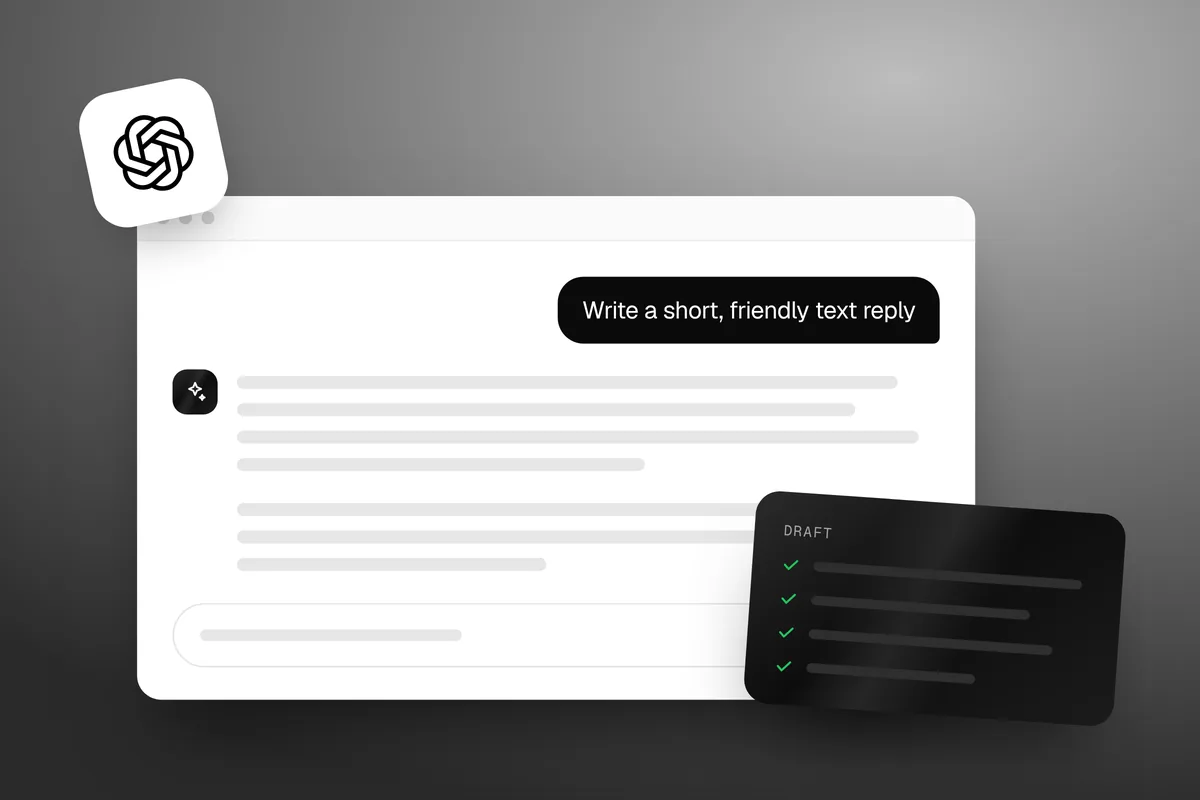
ChatGPT for small business is best used as a fast first-draft writer and thinking partner: quotes, replies, job descriptions, ad copy, policies and summaries of long documents. A solo owner can do most of it on ChatGPT Plus at $20 a month. A team should look at ChatGPT Business, from $20 to $25 per person per month, because the company owns the workspace and OpenAI does not train on business data by default. This guide covers what to use it for, which plan to pick, and where it goes wrong. Plan details were checked on OpenAI's pages on 22 November 2026.
The short answer
Use ChatGPT for writing and thinking work that takes you more than ten minutes and that you can check in two. Start on the free plan to learn it, move to Plus when you use it daily, and move a team to Business once two or more people rely on it. Keep a person in charge of anything that goes to a customer.
What can a small business use ChatGPT for?
A small business can use ChatGPT for almost any job that starts as a blank page. Here are the jobs where we see owners save the most time.
| Job | What you give ChatGPT | What you get back |
|---|---|---|
| Replying to a quote request | The customer's message and your rough price | A clear, friendly reply with the next step |
| Writing a job ad | The role, pay range and what a normal day looks like | A job ad and three screening questions |
| Ad copy | Your offer, who it is for, and one real customer quote | Five headline and text options to test |
| Website pages | Your service, your area, your process | A first draft you then make sound like you |
| Summaries | A long contract, email thread or report | The main points and the questions to ask |
| Policies and checklists | How you do the job today | A written process a new hire can follow |
| Spreadsheets | An export of sales or jobs | Totals, trends and a plain-English summary |
The pattern is the same each time. You bring the facts. ChatGPT brings the structure and the words. You check the result.
You bring the facts. ChatGPT brings the structure and the words. You check the result.
How should a small business owner write prompts?
Write prompts like you would brief a new staff member: who it is for, what you want, what good looks like, and the facts it needs. Short prompts get generic answers.
A weak prompt: "Write a reply to a customer."
A strong prompt: "A homeowner asked for a price to replace 40 feet of fence. Our price is $2,400 including removal. We can start in two weeks. Write a short, friendly text reply that gives the price, the start date, and asks if they want to book a site visit this Thursday or Friday. No sales talk."
Three habits make prompts better fast:
- Paste an example of something you wrote that you liked, and ask it to match the tone.
- Ask for options, like "give me three versions", then pick and edit.
- Save the prompts that work in a project so you, or your team, reuse them.
Which ChatGPT plan is best for a small business?
For one person, ChatGPT Plus. For a team, ChatGPT Business. OpenAI's pricing FAQ says the Free, Go and Plus plans "are designed to be used by individuals", and Business and Enterprise "are for businesses".
| Plan | Price (checked 22 November 2026) | Best for |
|---|---|---|
| Free | $0 | Learning what it can do |
| Plus | $20 a month | A solo owner who uses it every day |
| Pro | $100, $200 or $500 a month | Very heavy individual use |
| Business, Standard seat | $25 per user a month, or $20 billed annually | Teams that need a shared workspace and admin |
| Business, Premium seat | $125 per user a month, or $100 billed annually | The heaviest user on a team |
| Enterprise | Custom pricing | Large companies |
Sources: OpenAI's help pages for Plus and Pro, and its business pricing page. There is also a cheaper individual plan, Go. Its help page says prices are shown on the pricing page and may change, and the price did not show when we checked, so we have left it out.
Our full ChatGPT Business pricing guide covers seats, annual billing and how Business compares to Plus line by line.
Is ChatGPT safe for business data?
On ChatGPT Business, OpenAI says it does not train on your business data by default. The business pricing page lists "No training on your business data by default" for Business and Enterprise, and the Business help article says "OpenAI won't train on your workspace's data." Business also adds SAML, SSO and MFA sign-in.
On personal plans, check the data controls in your settings before you paste anything sensitive. Either way, set a simple rule for your team:
- No customer card numbers, passwords or ID documents in any AI tool.
- No health records unless your plan and contract cover it. OpenAI's help center says businesses that need BAAs should use a contracted offering, not self-serve Business.
- Remove names from documents you only need summarised.
This is not legal advice. If you handle regulated data, ask your lawyer or compliance adviser before you start.
What is ChatGPT Work, and do small businesses need it?
ChatGPT Work is OpenAI's tool for longer, multi-step tasks. The Business plan page says you can "give ChatGPT Work a goal, and it can gather context, make a plan, complete the work, and check in when it needs your input or approval." It replaced the older agent mode. OpenAI's help article for ChatGPT agent now says "ChatGPT agent is no longer available. Use ChatGPT Work for longer, multi-step tasks and finished deliverables."
Access depends on the plan. OpenAI's pricing table shows Free and Go with limited ChatGPT Work access in the desktop app, and Plus and Pro with ChatGPT Work on desktop, web and mobile. Business includes all ChatGPT Work features.
Most small businesses do not need it on day one. Get good at plain chats first. Then try ChatGPT Work on one repeat job, like a monthly sales summary from a spreadsheet, and check its work closely the first few times.
Can ChatGPT connect to my business tools?
Yes, on paid business plans. OpenAI's business pricing page lists connections to Google Workspace, Slack, GitHub, Microsoft 365 and more for ChatGPT Business. That lets it pull context from your documents and email instead of you pasting it in.
Connect one tool first. The place your documents live is the most useful start. Test it on a real task, see what it can reach, then decide whether to connect the rest. Every connection is one more place your data flows, so only connect what you will use.
Where does ChatGPT go wrong for small businesses?
ChatGPT goes wrong when owners trust it with facts it does not have. These are the mistakes we see most.
- Made-up facts. It can state a price, law or statistic that sounds right and is not. Check every fact before it goes to a customer.
- Generic copy. Without your real details, it writes text any business could use. Customers can tell.
- Legal and tax answers. Use it to prepare questions for your accountant or lawyer, not to replace them.
- Sending without reading. A reply that is 95% right and 5% wrong still costs you the job.
- Seats nobody uses. Buying ten Business seats when two people use it.
None of these are reasons to avoid it. They are reasons to keep a person between ChatGPT and your customers.
ChatGPT vs Claude for small business: which should you use?
Both work well for small business writing and admin, and both cost about the same for teams. Claude's pricing page lists its Team plan at $20 per seat a month billed annually, or $25 billed monthly, the same as a ChatGPT Business Standard seat.
The difference is in the extras. Claude for Small Business, launched in May 2026, runs inside Claude Cowork with ready-made workflows for tools like QuickBooks, PayPal, HubSpot and Canva. Our Claude for small business guide covers it. ChatGPT has ChatGPT Work, Codex and wide connections to Google Workspace and Microsoft 365.
The honest answer: pick one, use it daily for a month on real jobs, and only then decide if the other is worth a test. Switching tools every week wastes more time than either tool saves.
How do you roll ChatGPT out to a small team?
Roll it out in four steps over a month.
- Week 1: pick three jobs. For example, quote replies, review responses and job ads. Write one good prompt for each.
- Week 2: one champion. One person uses those prompts daily and notes what breaks.
- Week 3: share. Put the working prompts in a shared project. Set the data rules above.
- Week 4: decide seats. Buy Business seats for the people who actually used it. Leave the rest on free.
The goal is not "everyone uses AI". The goal is three jobs done faster and better than before.
FAQ
Is ChatGPT free for small business?
There is a free version of ChatGPT that anyone can use, and it is a fine place to learn. OpenAI's pricing FAQ says the paid plans, Go, Plus, Business and Enterprise, add more access to models and features. Teams that want a shared workspace and admin controls need Business.
How much does ChatGPT cost for a small business?
Plus is $20 a month for one person. ChatGPT Business is $25 per user per month billed monthly, or $20 billed annually, for a Standard seat, and $125 or $100 for a Premium seat. Prices were checked on OpenAI's pages on 22 November 2026 and can vary by country.
What are the best ChatGPT uses for a small business?
Replying to quote requests, writing job ads, drafting ad copy and website pages, summarising long documents, and writing processes for new staff. These are jobs where you have the facts and the hard part is getting the words down. Always check the result before it goes out.
Can ChatGPT answer my business phone?
Not on its own. ChatGPT is a chat tool, not a phone system. To answer calls with AI you need an AI receptionist or answering service built for phones. Our guide to what an AI receptionist costs compares the options and prices.
Does OpenAI use my business data to train ChatGPT?
Not on ChatGPT Business by default. OpenAI's pricing page lists no training on business data by default for Business and Enterprise, and its help center says it won't train on workspace data. On personal plans, check the data controls in your settings.
Should a small business use ChatGPT Business or Plus?
Use Plus if you are the only person using it. Use Business once two or more people rely on it, so the company owns the workspace, files and shared prompts, and you get central billing and admin. A Standard Business seat costs the same as Plus on annual billing.
Getting started with ChatGPT for small business
The best way to use ChatGPT for small business is to pick three writing jobs you do every week, write one strong prompt for each, and check every answer before it goes out. Start free, move to Plus when you use it daily, and move your team to Business when two or more people rely on it.
ChatGPT will make your team faster at writing. It will not bring in leads or follow up with them on its own. That part is a marketing system, and it is what we build and run at Havstock, with AI on the repetitive jobs, like AI that answers missed calls and books the job. If you only need the writing help, ChatGPT Plus is $20 well spent.