
 Nathan Field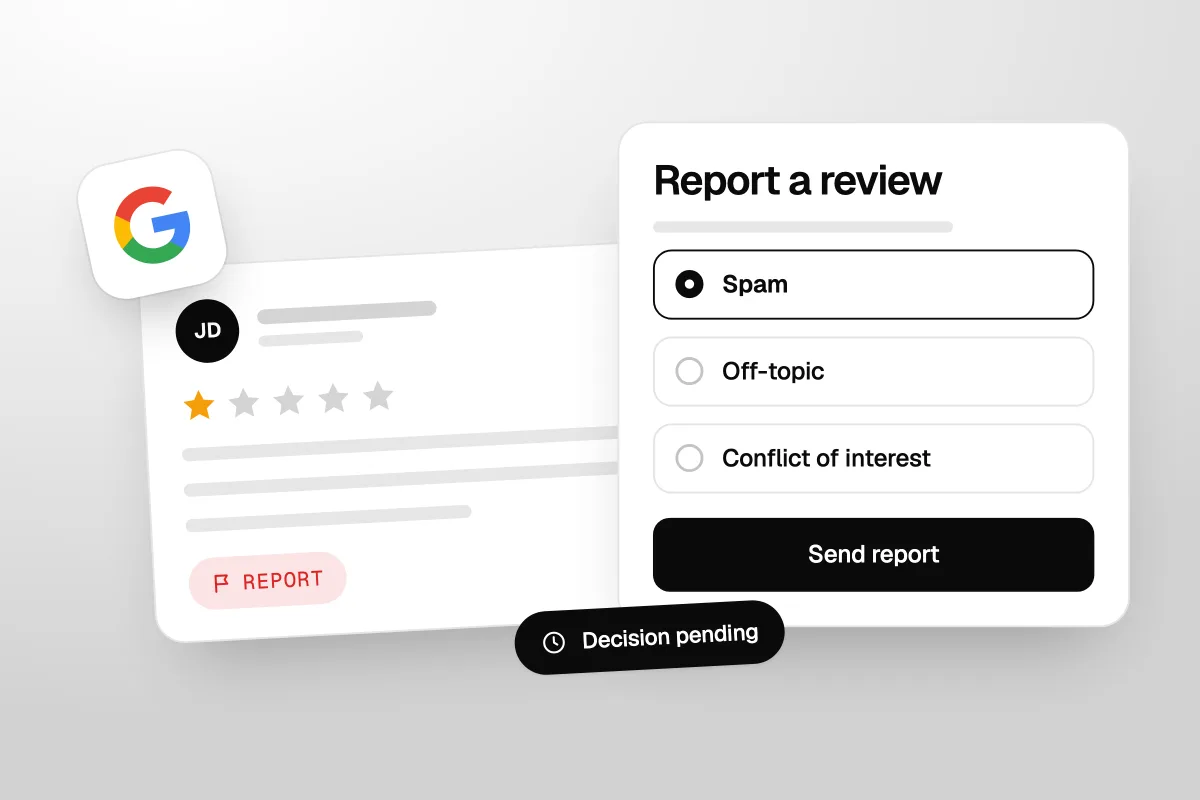
You cannot remove a bad Google review just because it is bad. Google only takes down reviews that break its rules: fake ones, spam, hate, a rival posing as a customer. If you want to remove bad Google reviews, the job is to find the ones that break a rule, report them the right way, and handle the rest well. Every rule below comes from Google's own help pages, checked on 29 September 2026.
The short answer
Only Google, or the person who wrote it, can remove a Google review. Google removes it only if it breaks a policy, such as being fake, off-topic, paid for or hateful. Report it from your Business Profile or Google's reviews management tool. If Google says no, you get one appeal. A real but harsh review stays.
Can you remove Google reviews?
Not directly. There is no delete button for business owners. The person who wrote a review can edit or delete it. Google can remove it. You can only ask Google to look at it.
Google is blunt about this: "Do not report a review just because you disagree with it or dislike it. Google doesn't get involved in conflict between businesses and customers" (Google Business Profile Help, Report inappropriate reviews).
If a review breaks no rule, no amount of reporting will move it.
The question is not how to delete a review. It is whether the review breaks one of Google's rules.
Which Google reviews get removed, and which stay
Google's rules for reviews sit in its Maps content policy. One idea runs through all of it: "Contributions to Google Maps should reflect a genuine experience at a place or business" (Google, Prohibited and restricted content). Here is how that plays out for the reviews owners worry about most.
| The review | Will Google remove it? | The rule it breaks (or doesn't) |
|---|---|---|
| From someone who was never a customer | Yes, if Google agrees it is fake | Fake engagement: "not based on a real experience" |
| From a competitor, or posted to hurt you | Yes, if Google agrees | Fake engagement and conflict of interest |
| From a current or former employee | Yes, if Google agrees | Rating manipulation: "based on a conflict of interest" |
| Paid for, or given for a discount or freebie | Yes | Rating manipulation: incentives are banned |
| Many reviews from one person using several accounts | Yes | Fake engagement |
| A sudden wave of one-star reviews, then a demand for money | Yes, and there is a separate form | Extortion (see below) |
| Threats, hate speech or harassment | Yes | Harassment, hate speech |
| Swearing or obscene words | Yes | Obscenity and profanity |
| Shares someone's phone number or home address | Yes | Personal information |
| A rant about politics, or about a different business | Yes | Off-topic |
| A real customer, one star, harsh or unfair | No | None. Google stays out of disputes |
| A real customer who gets some details wrong | No | None. It is their account of what happened |
| An old complaint about something you have since fixed | No | None. Reply and say what changed |
| A star rating with no words | No, unless you can show it is fake | None on its own |
Google judges the review, not how much it hurts. A customer's real bad day stays. A five-star review from your cousin can come down.
How to remove Google reviews that break the rules
There are two ways to report a review. Both are free. Pick one per review, not both.
Report a review from your Business Profile
- Go to your Business Profile.
- Select Read reviews.
- Next to the review, select the Report icon.
- Select the reason, such as "Spam" or "Profanity".
- Select Send report.
Google says: "Review evaluation typically takes several days."
Use Google's reviews management tool
The tool is better for several reviews, because it tracks what happened to each one. Open Google's reviews management tool, then:
- Confirm your email, or switch to the Google account that manages the profile.
- Select your business, then Continue.
- Select Report a new review for removal.
- Next to the review, select Report.
- In the new tab, select the reason the review breaks the rules.
- Select Submit.
What the statuses mean
The tool then shows one of three statuses. Google's wording:
- Decision pending: "The review is flagged, but it hasn't been evaluated yet." Wait.
- Report reviewed - no policy violation: "The review was evaluated, and no policy violation was found." You can appeal once.
- Escalated - check your email for updates: "The appeal has been escalated, and you'll get an email about the final decision."
As Google puts it: "If the review violates our policies, it will be removed. If the review complies with our policies, it will remain live."
How to appeal
If a report comes back as no policy violation, Google lets you "submit a one-time appeal". One shot per review, so make it count.
- Open the reviews management tool.
- Select Check the status of a review I reported previously and appeal options.
- Select Appeal eligible reviews. Google says you can select up to 10 reviews.
- Select Continue, then Submit an appeal.
- Fill in the form and select Submit.
Use the appeal to add what the first report lacked. Name the rule and give your proof. "We have no customer by this name, and the job they describe is a service we do not offer" beats "This review is false."
How to make a report more likely to work
- Pick the reason that fits. A fake review is not "profanity". The wrong reason makes a real problem look like a grudge.
- Check your records first. Search your CRM or booking system for the name. No match, no job and no call is the kind of proof that helps.
- Screenshot everything. The review, the date, the profile, any messages.
- Do not get friends to flag it. A pile of reports does not make a real review fake. The US Federal Trade Commission's Endorsement Guides say businesses should not take actions, "reporting" included, that distort what customers think (16 CFR 255.2(d)).
You get one appeal per review. Name the rule it breaks and show your proof.
Fake reviews and review extortion
There is a scam aimed at local businesses. A flood of one-star reviews lands, then someone offers to make them go away for money. Google has a page for it. It describes "a sudden increase in 1-star and 2-star reviews on your Google Business Profile, followed by someone demanding money, goods, or services in exchange for removing the negative reviews" (Google, Report negative review extortion scams).
Google's advice: "Do not engage with or pay the malicious individuals. This can encourage further attempts and doesn't guarantee the removal of reviews." Gather screenshots of every demand, the links to the reviews and the dates, then use the merchant extortion report form on that page.
When a review is false and damaging
Some reviews state things that are untrue and harmful, like a crime that never happened. If you think a review breaks the law, Google has a separate route: Report content for legal reasons. Talk to a lawyer first. We are not lawyers, and the law differs by country.
One US warning. Since 21 October 2024, the FTC's rule on consumer reviews has banned "an unfounded or groundless legal threat, a physical threat, intimidation, or a public false accusation in response to a consumer review" (16 CFR 465.7). Threatening to sue a customer over a fair review can land you in trouble.
What to do with a real bad review
Most bad reviews are real. You cannot remove those, but you can make them work for you. Future customers read your reply as much as the review.
Reply well, and reply soon
Your reply is public. Google says: "If your reply is approved, it will be publicly posted under the customer's review." Replies "usually take up to 10 minutes to review, but sometimes a review can take up to 30 days," and the customer is told when you reply (Google, Manage customer reviews).
Keep it short and calm. Thank them. Say sorry for their experience. Say what you changed. Offer a direct line. Never share their private details, and never argue. Here is one we would send for a late-arrival complaint:
"Thanks for telling us, and sorry we were late. That is not the service we want to give. We now text an arrival time the morning of every job. I would like to make this right, so please call the office and ask for me."
You can edit or delete your reply later. If you wrote it angry, go back and fix it.
Fix the cause, then ask
If a review points to a real problem, fix it. Then it is fine to reach out. The FTC's Q&A says its rule does not stop you contacting customers who post negative reviews to sort things out, and "does not prohibit simply asking satisfied customers to update their reviews" (FTC, Consumer Reviews and Testimonials Rule: Questions and Answers).
But Google draws a hard line on what you offer. Its policy bans offering "incentives - such as payment, discounts, free goods and/or services - in exchange for posting any review or revision or removal of a negative review." You can refund a customer because you let them down. You cannot make the refund depend on them changing the review. Fix it first. Ask second. Let them decide.
Refund them because you let them down. Never refund them to change the review.
Get more good reviews
One bad review among five is a big deal. One among a hundred is noise. The fastest way to shrink a bad review is to ask every customer for a review, every time.
It helps your ranking too. Google says: "More reviews and positive ratings can help your business's local ranking" (Google, Tips to improve your local ranking). That is why we treat reviews as part of local SEO, not a side job. Google lets you share a review request link or a QR code, so put the link in a text after each job and make it one tap.
You cannot remove a fair one-star review. You can bury it under honest five-star ones.
Should you pay a company to delete negative Google reviews?
We would not. When we checked this search in September 2026, two of the page-one results were pages from a review removal firm selling "no win, no fee" deals. Know this before you sign:
- They use the same forms you do. There is no back door at Google. A review that breaks no rule stays, whoever reports it.
- Some cheat. Sterling Sky, a local SEO firm, has written about removal companies that file false copyright complaints to get content taken down. If a firm does that for you, it is your business name on it.
- Nobody can promise it. Only Google decides. Treat any guarantee as a red flag.
If someone contacts you first, offering to remove reviews that appeared out of nowhere, that is the extortion pattern above. Do not pay. Report it.
Review gating: the trap in many review tools
A lot of review software suggests a "happy check". You ask customers to rate you from 1 to 5 first. Happy ones get the Google link. Unhappy ones get a private form. It is called review gating, and it breaks Google's rules.
Google's policy says businesses must not "discourage or prohibit negative reviews, or selectively solicit positive reviews from customers." It also bans making staff "solicit a certain number of reviews" or "solicit reviews that include specific content, including content that identifies a staff member." So no review quotas, and no asking customers to name your tech.
The FTC's review rule, announced on 14 August 2024, does not name gating outright. But the FTC's Q&A says it could still break the FTC Act under the Endorsement Guides. Example 11 in those guides describes a business that invites only very happy customers to post reviews. It says this "may be an unfair or deceptive practice" if the reviews end up "substantially more positive". Inviting all recent customers is fine, "even if it had expressed its hope for positive reviews" (16 CFR 255.2).
A private feedback form is fine on its own. Using it as a filter is what breaks the rules. Our guide to building a review and reputation management system covers the wider setup. The one thing we would add now: every customer gets the Google link.
Ask every customer, not just the ones you think are happy. That is Google's rule and the safe line with the FTC.
How we set up review requests after a job
This is how we set up review requests when we build a CRM for a service business. It is our practice, not a law, and it will not guarantee a number of reviews. Nobody can promise that.
- The trigger is the job being marked done. Not a batch at the end of the month. When the job moves to done in the CRM, the request goes out while the visit is fresh.
- Text first. A short text in the owner's voice with the direct Google review link.
- One reminder, then stop. One polite nudge a few days later if no review has come in. Then leave them alone.
- Everyone gets the same message. No rating check first. The same words for the customer who loved you and the one who waited an hour.
- A way to reach the owner, for everyone. The text also says "If anything was not right, reply here and it comes straight to me." Beside the review link, never instead of it.
- New reviews ping the owner. Every new Google review sends an alert, so a bad one gets a calm reply the same day.
None of this is hard to build. It is just easy to never get round to. We set it up as part of our CRM and automations work, so it runs without anyone remembering. The same setup can text back every missed call.
Our take
Most owners asking how to remove a bad review have one or two fair reviews they hate, not a pile of fake ones. For those, reporting wastes an evening. Reply well tonight. Fix the cause this week. Then set up review requests so that next month, that review is one of many.
This will not help much if your reviews are bad because the service is bad. No reply and no request system beats fixing that first.
If you would rather hand the whole system to someone, see how Havstock Unlimited works. It is a flat monthly marketing subscription that covers your CRM, review requests, local SEO, ads and website. We do not write reviews, remove reviews or promise a rating. We build the system that asks every customer, every time.
FAQ
Can you remove Google reviews from your business profile?
Not yourself. Only the person who wrote a review, or Google, can remove it. Google removes a review only when it breaks a policy, such as being fake, off-topic, hateful or from a conflict of interest. You can report it from your Business Profile or Google's reviews management tool, and Google decides.
How long does Google take to remove a reported review?
Google says review evaluation "typically takes several days." Track it in the reviews management tool. "Decision pending" means Google has not looked yet. "Report reviewed - no policy violation" means it stays, but you can appeal once. "Escalated" means your appeal is being looked at, and Google will email you the result.
Can I pay to have a bad Google review removed?
You can pay a firm to report it, but they use the same Google forms you can use for free. Nobody can force Google to remove a review that breaks no rule. Be wary of guarantees. If someone offers to remove reviews that suddenly appeared, that is an extortion scam: do not pay, report it to Google.
What happens if Google won't remove the review?
It stays on your profile. Reply to it calmly and in public, fix the cause if the complaint is fair, and ask every customer for a review so the bad one gets buried. If you still think it breaks a rule, use your one appeal and add proof, such as no record of the customer.
Can I ask a customer to change their review?
Yes, after you have fixed the problem. The FTC says its rule does not stop you asking satisfied customers to update their reviews. But Google bans offering anything, like a refund or discount, in exchange for changing or removing a negative review. Fix it, ask politely, and let them decide.
Is it legal to only ask happy customers for reviews?
It breaks Google's rules, which ban selectively asking for positive reviews. In the US, the FTC says it could also break the FTC Act if it makes your reviews look better than they are. The safe way is simple: send the same review request to every customer after every job.
How do I spot a fake Google review?
Check your records first. No customer by that name, no job on that date, or a service you do not offer are strong signs. So is a review that describes a different business, or a burst of one-star reviews in a day. Report fake reviews with the right reason and keep screenshots.
You cannot remove bad Google reviews by asking nicely or paying someone. You can report the ones that break Google's rules, appeal once with proof, and answer the fair ones in a way that shows how you treat people. Then ask every customer for a review, every time, and let the bad one sink.