 Nathan Field
The right CRM for marketing agencies depends on one question: are you only tracking your own sales, or also running your clients' leads and follow-up? If it is only your own pipeline, a sales CRM like Pipedrive or HubSpot does the job. If you run clients' marketing too, you need separate client accounts, copyable setups and client logins, which is why so many small agencies use GoHighLevel. This guide compares the three and what they cost.
The short answer
A marketing agency needs a CRM for two jobs: winning its own clients, and running each client's leads. HubSpot and Pipedrive are strong for the first. GoHighLevel was built for both, with a sub-account per client, from $97 a month for three accounts or $297 for unlimited. Pick by how many clients you manage inside it.
What does a marketing agency need from a CRM?
A marketing agency needs a CRM that handles two very different lists. Most CRM roundups only cover the first one.
Job one is your own sales. Prospects, discovery calls, proposals, signed clients. This is a normal sales pipeline. Any decent CRM handles it.
Job two is your clients' leads. If you run ads, funnels or follow-up for clients, their leads need somewhere to land. Each client needs its own contacts, its own pipeline, its own phone number and email sender, and often its own login so the client can see their leads. That is where general CRMs get awkward.
For job two, look for:
- A separate space per client. Their contacts never mix with another client's.
- Copyable setups. Build a funnel, pipeline and follow-up once, then load it into the next client in minutes.
- Client access. A login or portal so clients can see their leads without seeing anyone else's.
- Texting, email and calls built in. Follow-up is where most leads are won or lost.
- A way to bill usage. Texts and emails cost money. You want to pass that cost on, not eat it.
- Pricing that does not punish growth. Per-seat pricing gets expensive when every client wants a login.
Most CRMs are built for one company selling to its customers. An agency is many companies at once, and that changes which CRM fits.
Why do so many agencies use GoHighLevel?
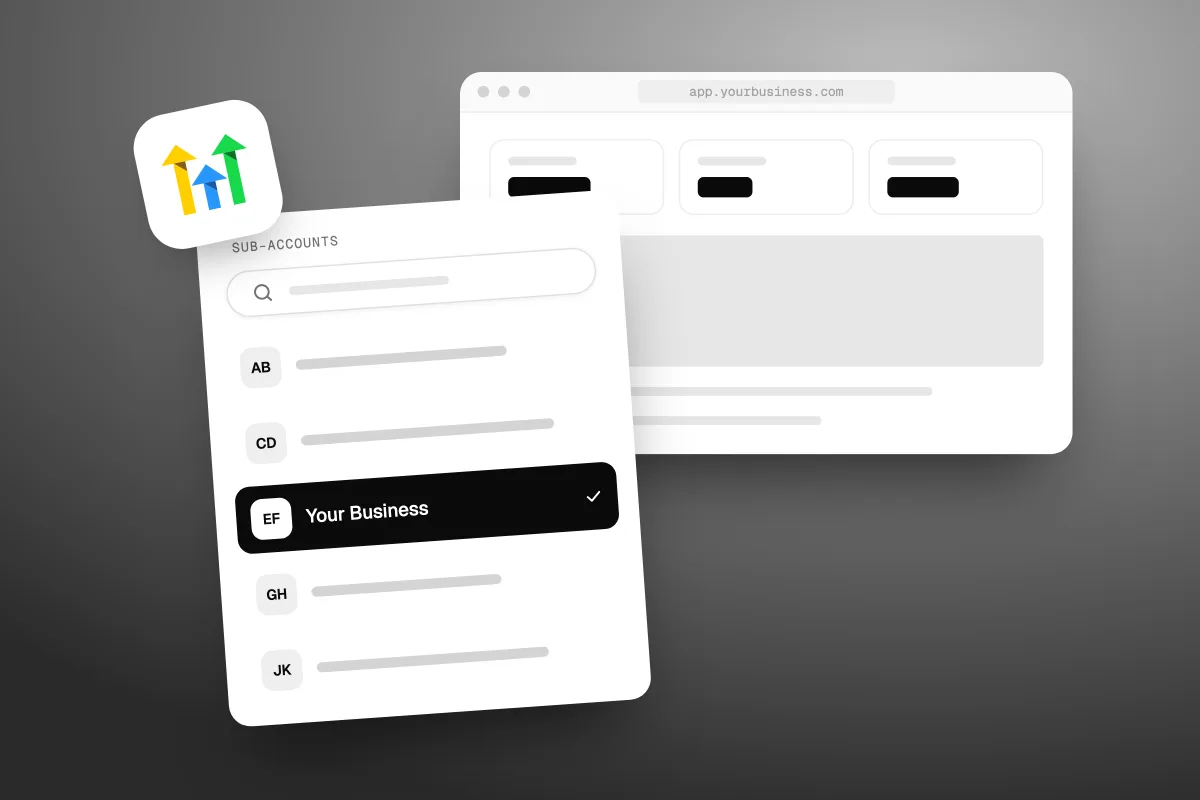
Because GoHighLevel was built for agencies that run marketing for many clients from one account. Each client gets a sub-account, which is a separate business inside GoHighLevel with its own contacts, calendars, phone numbers and funnels. You manage them all from one agency login.
What makes it fit agencies, from GoHighLevel's pricing and help pages on 10 November 2026:
- Flat pricing. Every plan has unlimited contacts and unlimited users. You do not pay per seat when a client wants a login.
- Sub-accounts. Starter includes three. Unlimited, at $297 a month, is described as "for agencies managing unlimited clients".
- Snapshots. Copy a whole client setup, including funnels, pipelines and automations, into a new sub-account. Our guide to GoHighLevel snapshots shows how agencies use them.
- Rebilling. GoHighLevel bills the agency for texts, emails and other usage, and the agency can charge it back to the client. GoHighLevel's help center says rebilling at cost is on the $297 and $497 plans, and rebilling with a markup is on the $497 plan only (HighLevel, rebilling, reselling and wallets explained, modified 30 September 2026).
- White label. The bigger plans let you put your own brand on the app and resell it, which is what SaaS mode on the $497 plan is for.
We use it ourselves. We pay for the Unlimited plan and build client systems in it. If you want to see whether it fits your agency, our special link gives you a 30-day free trial of GoHighLevel (we may earn a commission from this link) plus a free live bootcamp. Sign up on GoHighLevel's own site and you get the standard 14 days, with no bootcamp. New to the tool? Start with what GoHighLevel is and what it does.
GoHighLevel vs HubSpot vs Pipedrive: which fits an agency?
GoHighLevel fits agencies that run clients' leads and follow-up. HubSpot fits agencies that want a polished CRM for their own sales and marketing, or that work inside clients' existing HubSpot accounts. Pipedrive fits agencies that mainly need a simple, visual sales pipeline for their own deals.
| GoHighLevel | HubSpot | Pipedrive | |
|---|---|---|---|
| Built for | Agencies running many client businesses | One company's marketing, sales and service | One team's sales pipeline |
| Separate client spaces | Yes, a sub-account per client | No client sub-accounts on its pricing pages | No, built for one team's deals |
| How it charges | Flat monthly plan, unlimited users, plus usage | Per seat, with bundled seats on higher tiers | Not checked, page blocked |
| Funnels and websites | Built in | Content tools sold separately | Not its focus |
| Ease of use | Many tools, steeper to learn | Polished and well documented | Simple to start |
Checked against each vendor's own pages on 10 November 2026, where we could reach them. Pipedrive's pricing page blocked our check that day, so we have left its prices out below.
Some agencies use two tools: a sales CRM for their own pipeline and GoHighLevel for client work. That is fine if you keep each to its job. If you want one login for everything, GoHighLevel can run your own pipeline in its own sub-account too. We compare the first two in more depth in GoHighLevel vs HubSpot for agencies.
What does a CRM cost a small agency?
From free for a basic pipeline to several hundred dollars a month, plus usage and setup. The big difference is flat pricing against per-seat pricing.
| Plan | Price shown on 10 November 2026 | What to know |
|---|---|---|
| GoHighLevel Starter | $97 a month, or $970 a year | 3 sub-accounts, unlimited users |
| GoHighLevel Unlimited | $297 a month | Unlimited sub-accounts, rebilling at cost |
| GoHighLevel Founder | $497 a month | SaaS mode, rebilling with markup. Was called Agency Pro |
| HubSpot Free | $0 | Up to 2 users |
| HubSpot Starter | From $7 per seat a month | New customers, paid yearly, limited time. $10 month to month, normally $20 |
| HubSpot Marketing Hub Professional | From $800 a month, paid yearly | 3 core seats, extra seats from $45 a month, plus a required one-time $3,000 onboarding fee |
| Pipedrive | Not checked | Its pricing page blocked our check |
Sources: GoHighLevel's pricing page and help center, HubSpot Marketing Hub pricing and HubSpot's CRM pricing page, all checked 10 November 2026. GoHighLevel's yearly toggle was hidden when we checked, and the yearly figures for its two bigger plans looked swapped in the page code, so we show monthly prices for those.
On our maths, a five-person agency on HubSpot Starter at the normal $20 a seat pays $100 a month for its own CRM. The same team on GoHighLevel Unlimited pays $297 a month, but that also covers every client's sub-account. Which is cheaper depends on how many clients you run inside it. One more cost to plan for: GoHighLevel charges usage for texts, calls and emails on top, paid from a wallet. Our GoHighLevel pricing guide breaks those rates down.
Per-seat pricing looks cheap until every client wants a login. Flat pricing looks expensive until you count the clients it covers.
When is GoHighLevel the wrong CRM for an agency?
GoHighLevel is the wrong pick when you do not run clients' leads, or when your clients already live in another CRM. Be honest about which agency you are.
- You only sell your own services. A consultancy or creative studio with a handful of deals a month does not need sub-accounts, funnels and texting. Pipedrive or HubSpot's free or Starter tiers are simpler and cheaper.
- Your clients already use HubSpot or Salesforce. You will work inside their system. Moving them to GoHighLevel is a hard sell and often the wrong call.
- Your team wants a tool that is quick to learn. GoHighLevel does a lot, and that makes it slower to learn than a simple pipeline tool.
- You need deep sales reporting. Larger sales teams with complex forecasting are usually better served by a dedicated sales CRM.
The same goes for us. Havstock is the wrong choice for an agency that wants to build and run its own GoHighLevel setup. Use the trial, learn the tool and keep the margin.
How do you move an agency onto a new CRM?
Move in stages, one client at a time, with the old system running until the new one is proven. A rushed switch is how leads get lost.
- List what you have. Every pipeline, form, automation, phone number, email sender and integration, per client.
- Clean before you move. Remove duplicates and dead contacts. Do not import the mess.
- Build one template account. Pipelines, tags, follow-up and reports, set up the way you want every client to run.
- Save it as a snapshot if you use GoHighLevel, so every new client starts from the same base.
- Move one client first. Import contacts, connect forms and calendars, and register text numbers where carriers require it. Run old and new side by side for a week or two.
- Fix, then roll out. Adjust the template with what you learned, then move the rest.
- Give clients a login and a short walkthrough. A client portal helps here. Our guide to the GoHighLevel client portal covers what clients can see.
Budget real time for this. A move often takes longer than the software trial, which is one reason to start a 30-day free trial rather than 14 days: you can build the template and move one client before the first bill.
Should an agency build its CRM setup or hand it over?
Build it yourself if setting up funnels and automations is part of what you sell. Hand it over if it keeps pulling you away from client work. GoHighLevel is the tool. Someone still has to build the setups, write the follow-up and keep it running across every client. That is the part our CRM and automation service covers. If you would rather hand all of your marketing over, not just the CRM, see how Havstock Unlimited works.
FAQ
Is HubSpot good for marketing agencies?
HubSpot is a strong CRM for an agency's own sales and marketing, and the natural choice when clients already use HubSpot. It prices per seat, and Professional tiers carry required onboarding fees. We found no client sub-accounts on its pricing pages, so it suits running your own pipeline better than many clients' leads.
How many sub-accounts does GoHighLevel include?
GoHighLevel's pricing FAQ says the $97 Starter plan includes three sub-accounts, and the $297 Unlimited plan includes unlimited sub-accounts. The $497 Founder plan includes everything in Unlimited plus SaaS mode for reselling. Each sub-account is one client business with its own contacts, calendars, phone numbers and funnels.
Can I charge clients for GoHighLevel?
Yes. You can include the software in your monthly fee. GoHighLevel also lets agencies rebill usage, such as texts and emails, to each client. Its help center says rebilling at cost is on the $297 and $497 plans, and adding a markup is on the $497 plan only.
What is the cheapest CRM for a new marketing agency?
For your own pipeline alone, HubSpot's free plan covers up to two users at no cost. If you will also run clients' leads, GoHighLevel Starter at $97 a month covers three client sub-accounts with unlimited users. Start with what your first clients need, then move up when you outgrow it.
Do agencies need a separate CRM for their own sales?
Not always. Some agencies run their own pipeline in a GoHighLevel sub-account next to their clients. Others prefer a dedicated sales CRM like Pipedrive or HubSpot for their own deals. Either works. What matters is that every prospect has one home and a next step, so nothing slips.
How long does it take to set up GoHighLevel for an agency?
You can create sub-accounts on day one. A solid template with pipelines, forms, follow-up and reporting takes longer, often a few weeks of building and testing. After that, a snapshot lets you load the same setup into each new client quickly, which is where the time pays back.
Which CRM should your agency pick?
If you only track your own deals, start with a simple sales CRM. If you run leads and follow-up for clients, pick a CRM for marketing agencies that gives each client its own space, and test it with one real client before you move the rest. Start a 30-day free trial of GoHighLevel on our special link and build that first client setup before you pay a cent for the plan.